
Space Motion · Reels
Create an architectural Reel with Space Motion
One render, five camera ideas, one finished Reel. Follow the interface from scene analysis to the final video.
Read the guide ↗VIZTOOLS AI / Learning
Practical guides, from your first render to a finished architectural film.
Space Motion · Reels
One render, five camera ideas, one finished Reel. Follow the interface from scene analysis to the final video.
Read the guide ↗3ds Max · Codex · Seedance 2.5
One camera, eight views and a continuous tour: from the pool, through the interior, to an aerial view of the villa.
Open lesson ↗3ds Max · Codex · Seedance · 10 seconds
Set the camera path in 3ds Max, prepare six views and create a photorealistic tour.
Open lesson ↗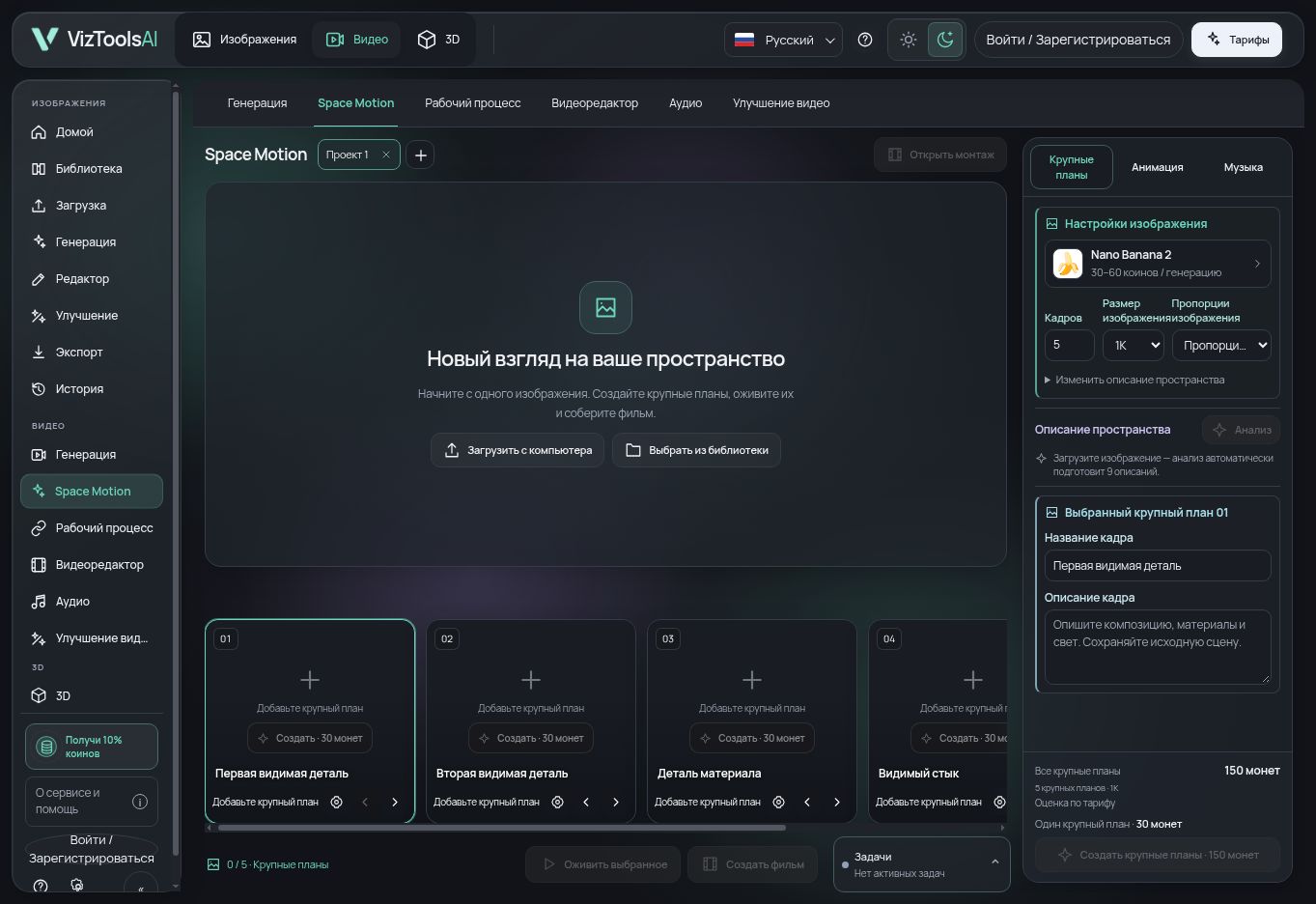 01
017 min read
Build an architectural film in Space Motion: one source image, 1–9 shots, camera direction, coin review, generation, timeline editing and export in VizToolsAI.
Read guide ↗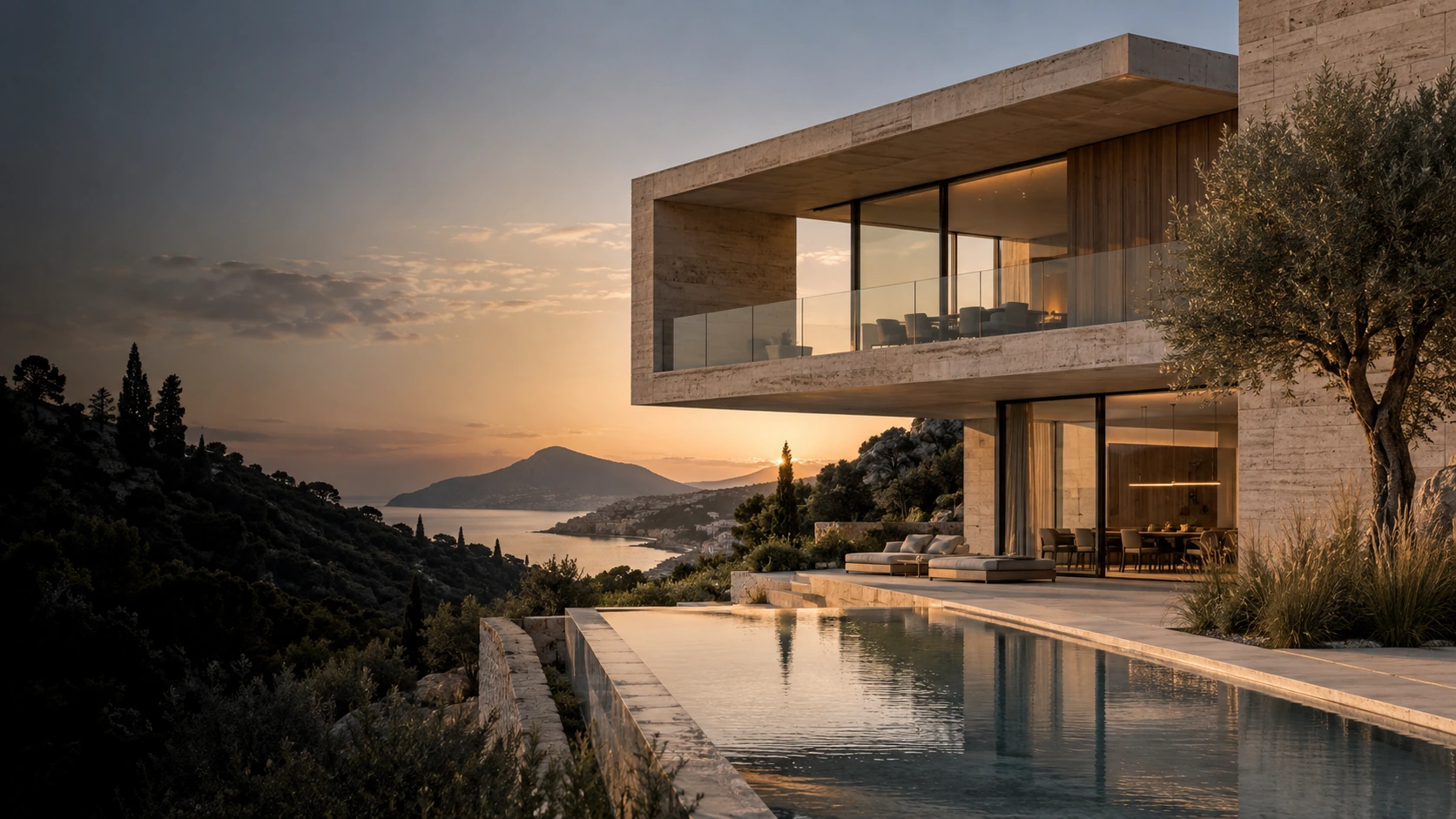 02
025 min read
Explore materials, lighting and presentation options with AI architectural rendering. Compare ideas and develop your project images in VizToolsAI.
Read guide ↗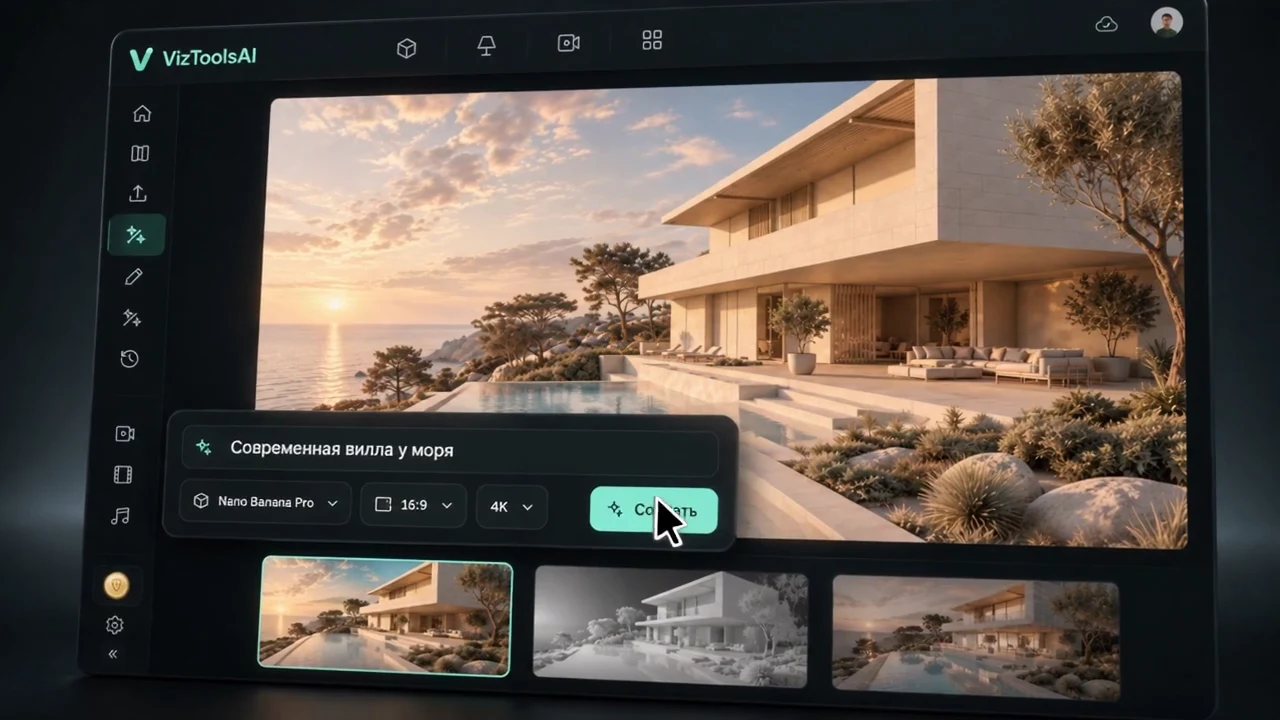 03
035 min read
Prepare an architectural sketch for AI rendering: clear perspective, materials, lighting and a careful result review. A practical VizToolsAI workflow.
Read guide ↗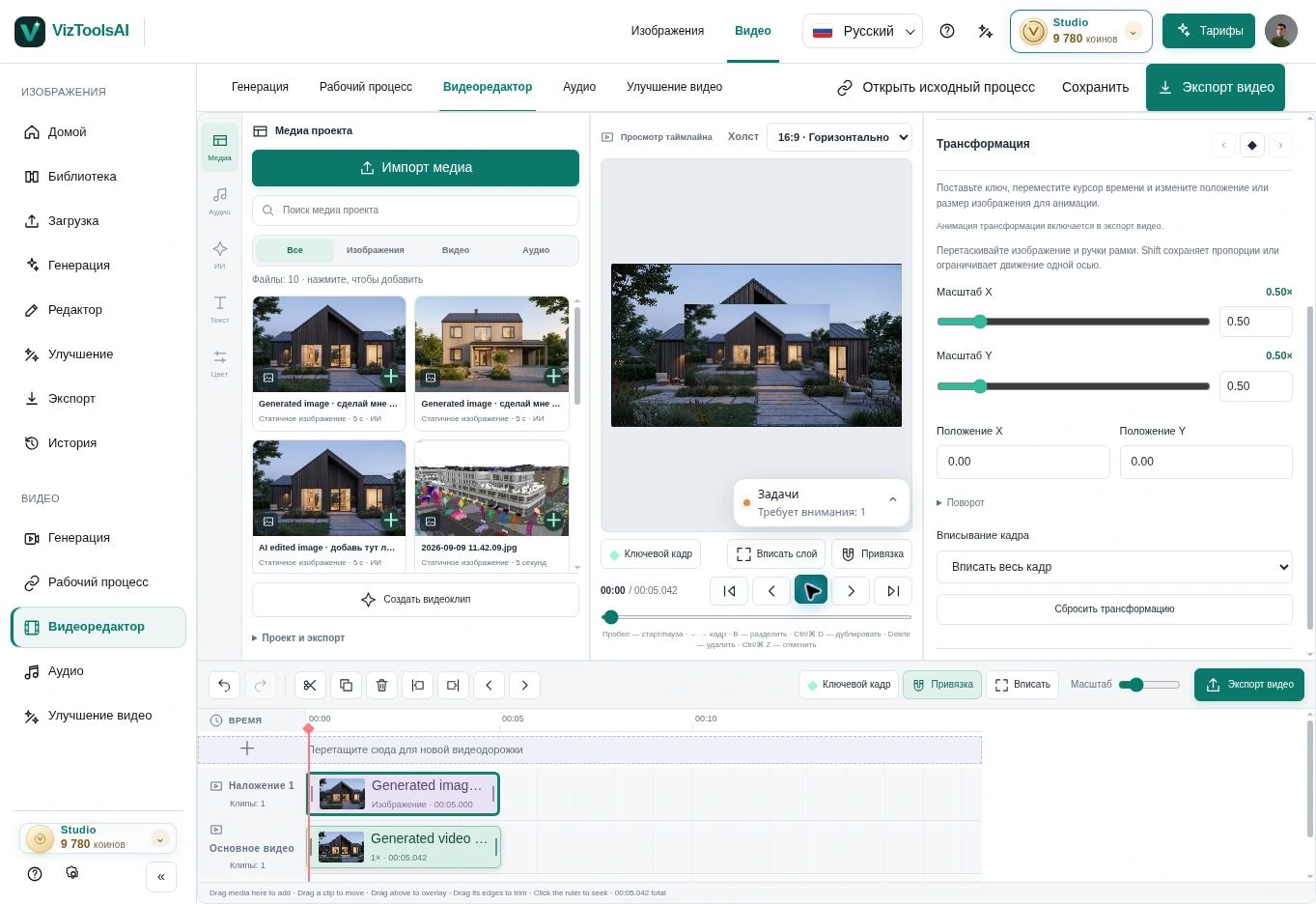 04
046 min read
Prepare an architectural render for AI video: choose camera movement, review each scene, then edit clips and sound on the VizToolsAI timeline.
Read guide ↗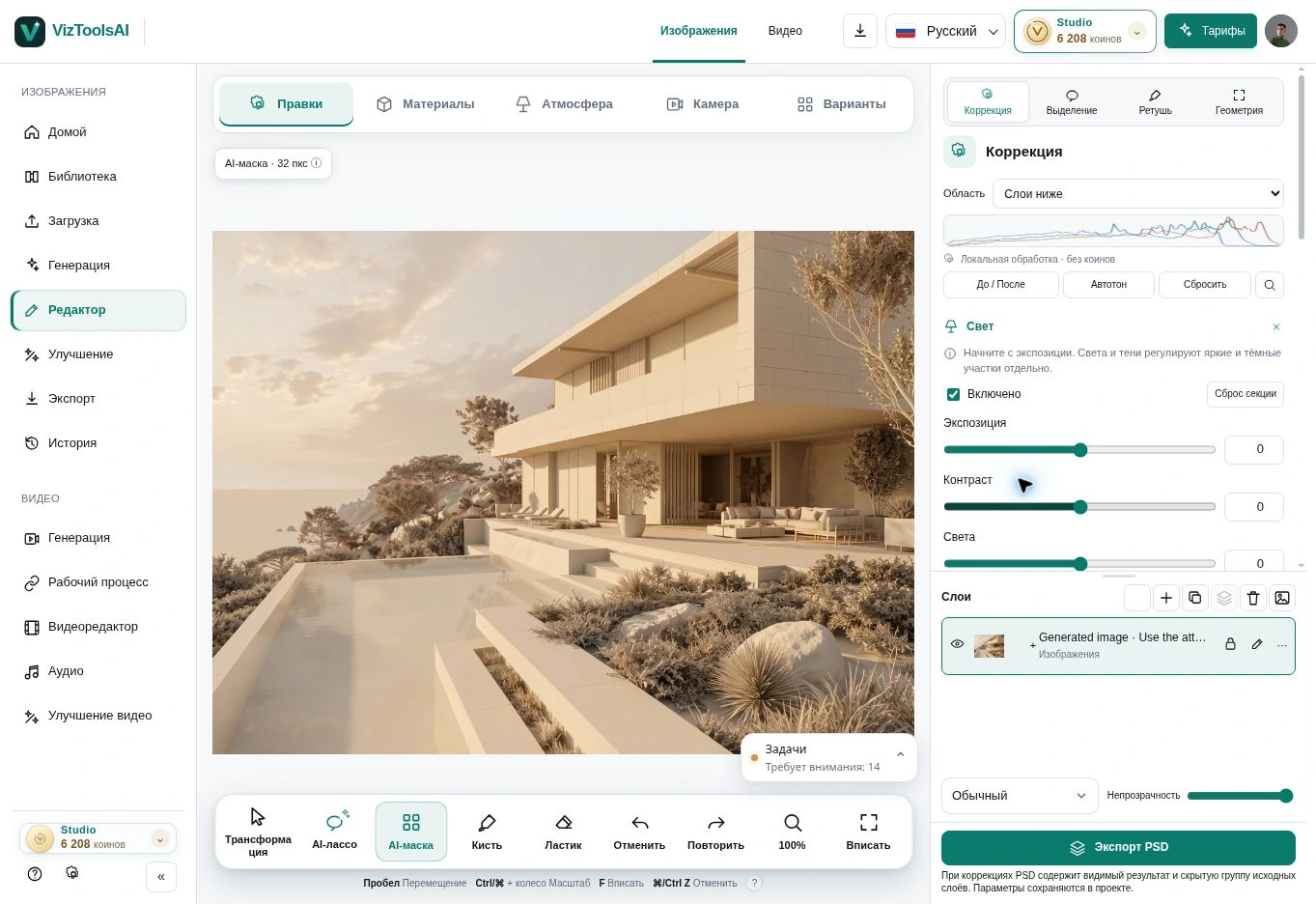 05
055 min read
Refine architectural renders in VizToolsAI with selections, materials, lighting and references. Keep a useful starting image and assess each change.
Read guide ↗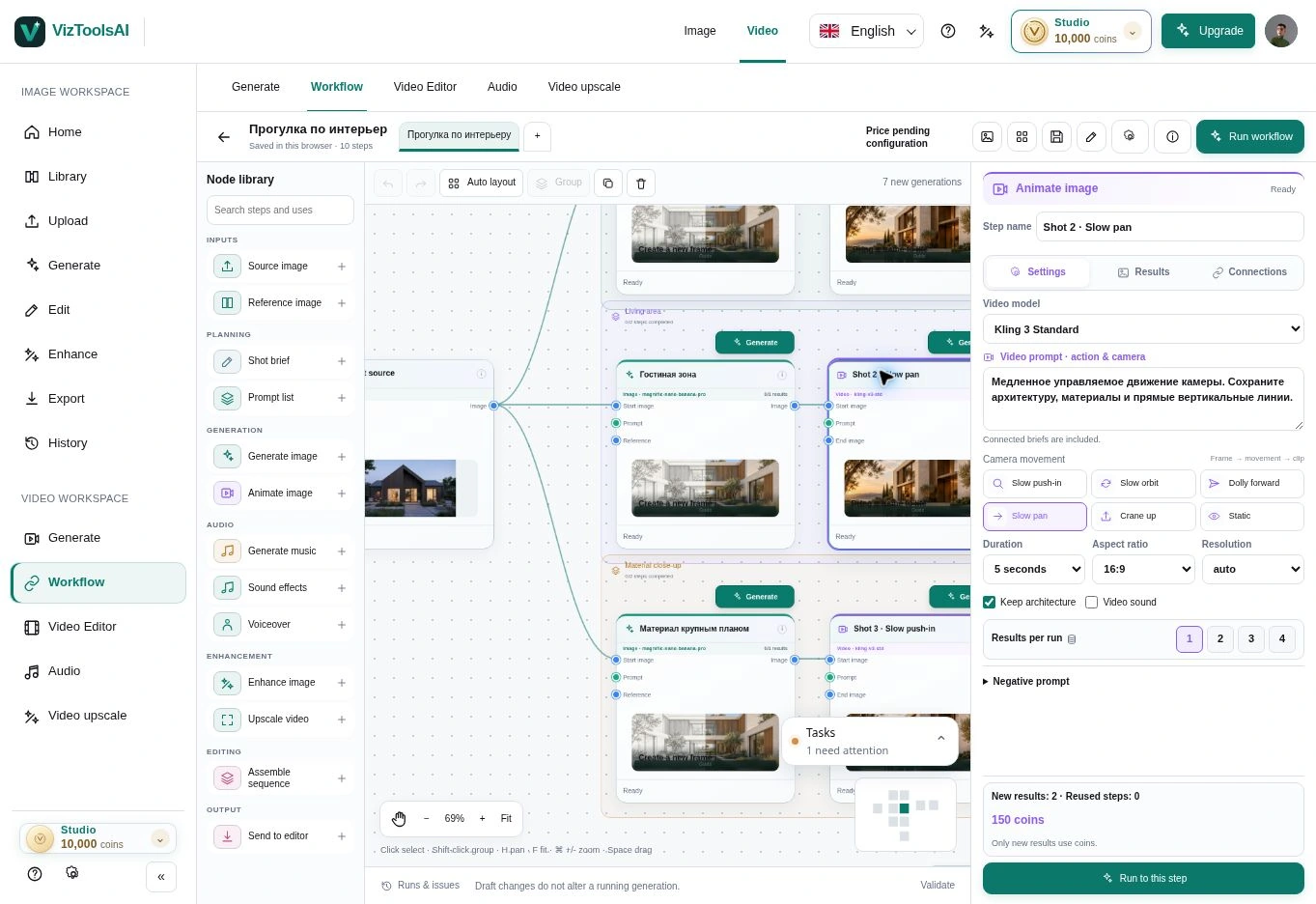 06
066 min read
Build an architectural workflow in VizToolsAI: connected stages, image variations, existing source files and video in one visual diagram.
Read guide ↗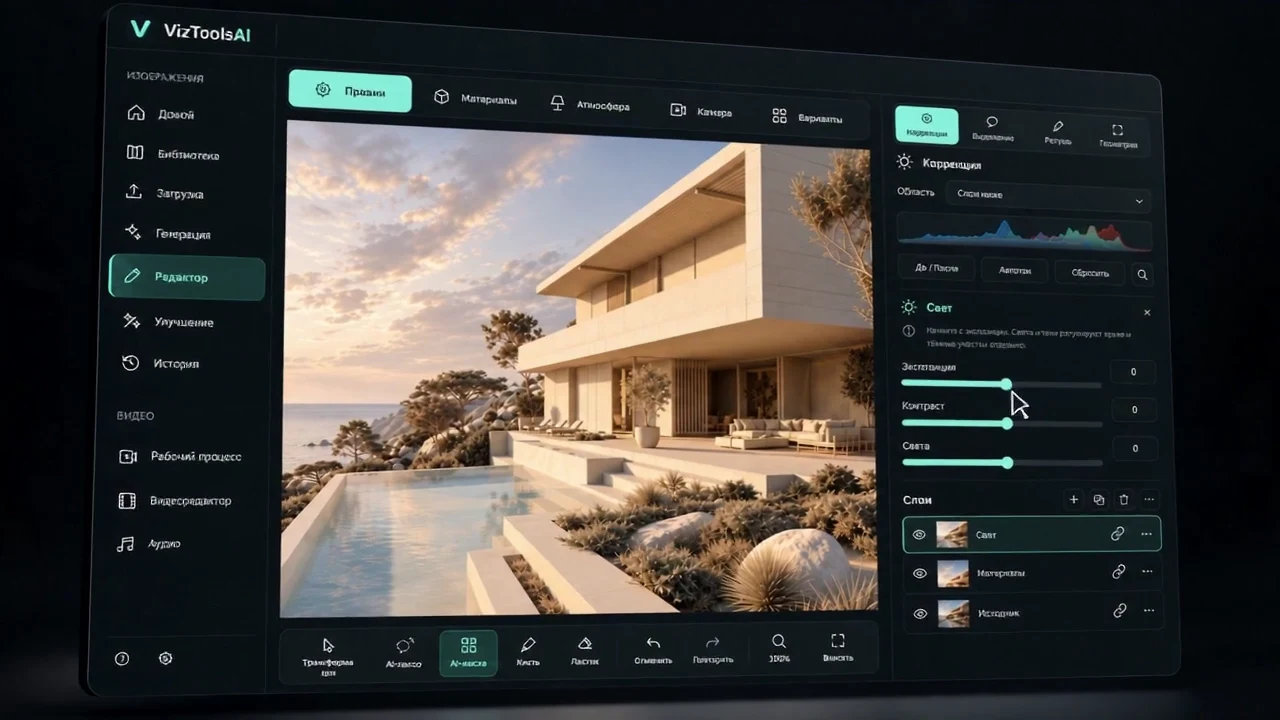 07
075 min read
Use VizToolsAI alongside your visualization workflow to explore atmosphere, make local edits, organize variations and create video from your own renders.
Read guide ↗