
01 / For architects
Where AI can help an architect
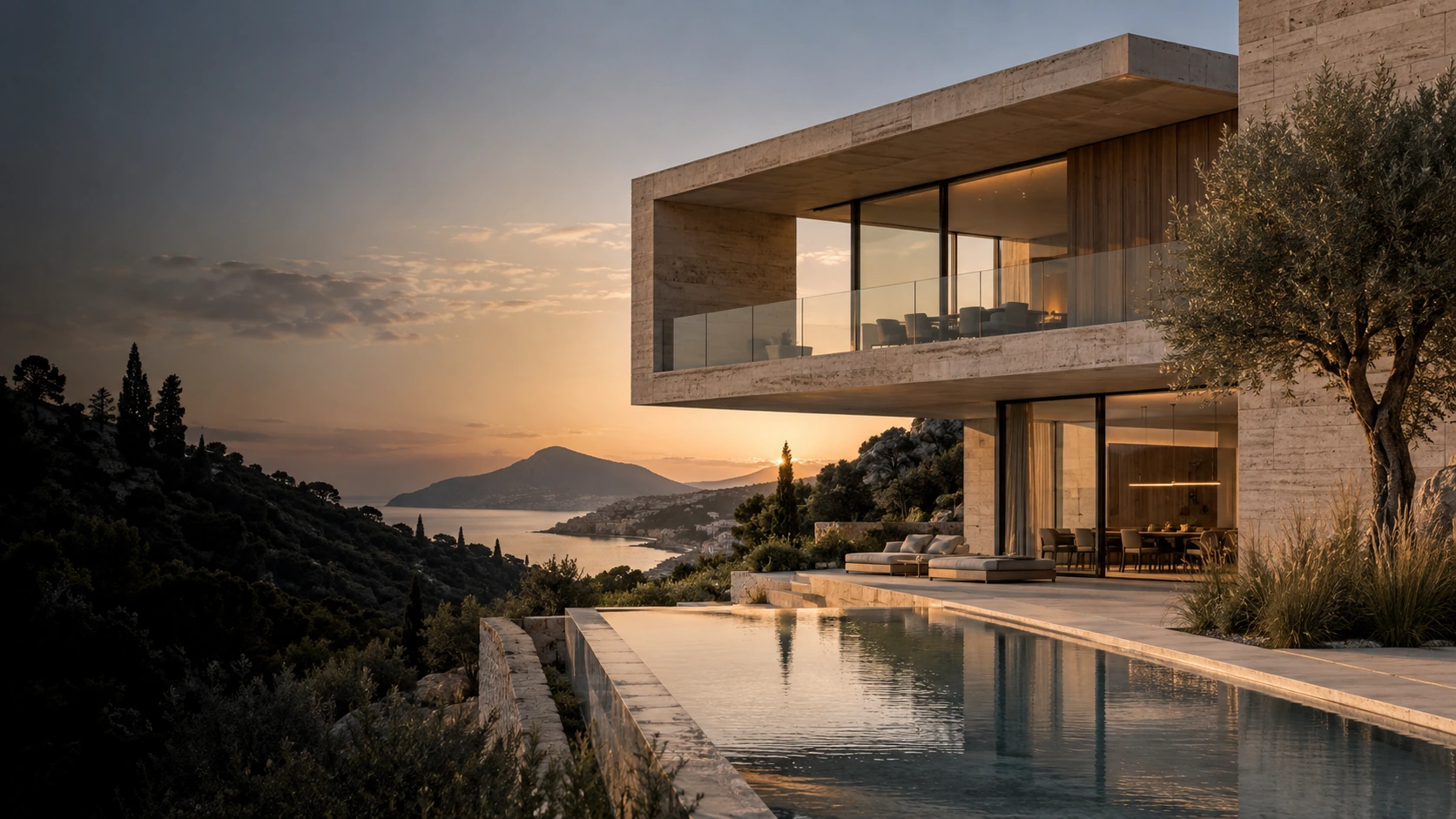
During early exploration, it helps to compare several directions: a light or dark facade, a warm evening or neutral daylight, dense planting or an open site. AI lets you turn these directions into visual hypotheses and select a suitable presentation.
Start with an image that clearly shows the building’s massing and viewpoint. This might be a render of a basic model or a sketch. Clear perspective and legible surfaces make it easier to assess what has changed in a new variation.
02 / For architects
Keep design decisions distinct from visual exploration
An AI-generated image does not replace a BIM model, drawings, calculations or code compliance checks. A model may add a window or change a slab thickness or structural connection. Check geometry manually and compare your chosen variation with the project documentation.
For facade materials, work on one area and one task at a time. Keep the source alongside the result so you can spot changes to window rhythm, proportions and significant details.
03 / For architects
Build a clear presentation
Choose a main direction and give the images a consistent visual logic: similar light temperature, a coordinated palette and readable architecture. A few comparable alternatives usually make a discussion clearer than a large collection of unrelated images.
After selection, you can connect the stages in a workflow and prepare a short video presentation. Label conceptual images in client presentations when they illustrate a proposed direction rather than an approved outcome.