
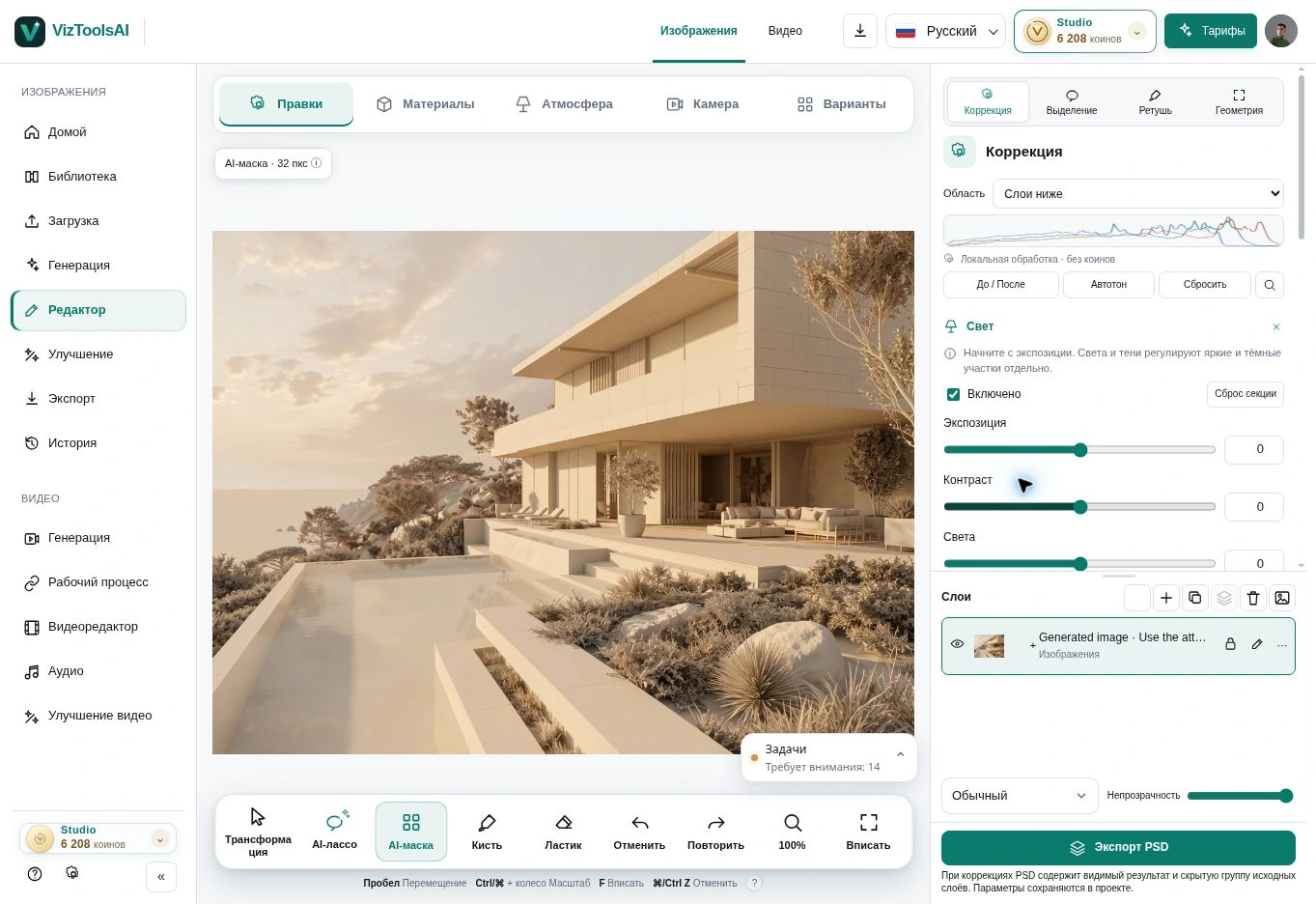
01 / Image editor
Describe one specific edit
A request to “make it look better” leaves the model a great deal of freedom. Describe the object, action and visual result: for example, replace the entrance cladding with warm stone while retaining the existing joints and lighting.
Resolve broad compositional issues before moving to details. Changing the overall light after carefully refining materials can alter how those materials appear and require another review.
02 / Image editor
Use a selection to direct attention
Select the area where the change should happen. Leave enough context for the model to understand surface boundaries and adjacent objects. A very narrow selection can make a natural connection with the surroundings harder.
After generation, check the edges as well as the centre of the edit: joints, shadows, reflections and repeated details. A local task does not guarantee that every other pixel will remain unchanged across all modes and models.
03 / Image editor
Use a reference for material and mood
Choose a reference that clearly shows the property you need: colour, texture, stone pattern or quality of light. Specify which aspect to use so that unwanted objects or composition are not carried across.
Compare variations with the source at the same scale. Save a useful version before making the next change. This makes it easier to return to a strong starting point if a later edit moves away from the task.