
01 / Workflow
Start with a small diagram
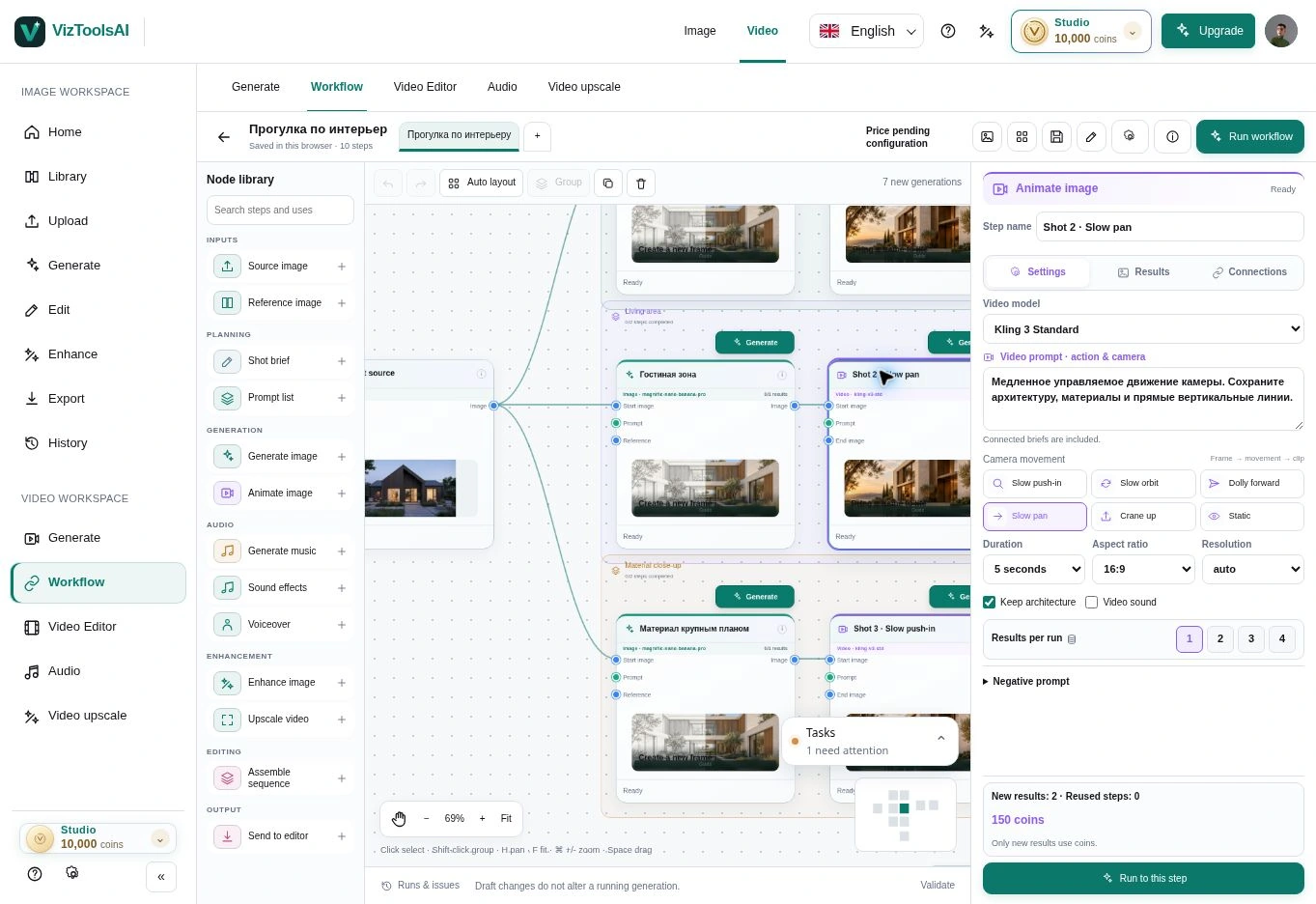
A source image, one editing stage and an output are enough for a first task. A more complex diagram does not itself make a generation better. Add branches when you know which question they should answer.
For example, explore two facade materials from one render, select a variation and use it for video. Keeping these decisions separate in the diagram makes comparison and discussion easier.
02 / Workflow
Check the source before running
Make sure each stage receives the correct image. If you already have a frame for the video, check that frame’s connection. Using an existing file and generating a new image are different starting points; review the task list and cost estimate before starting.
Old variations and unfinished stages can remain in a diagram. Give them clear names and retain the connections needed for the current run. This helps keep source files and results distinct.
03 / Workflow
Select results instead of accumulating random branches
After a few attempts, pause to compare. Choose a starting point against specific criteria: geometry, material, lighting and suitability for the next stage. An unsuccessful frame rarely becomes more convincing simply through more generations.
The library helps you return to source materials, and displayed file sizes show what takes up space. Before deleting an asset, check whether an active project uses it and whether you have saved the copy you need.
04 / Workflow
When to choose Space Motion
The node-based Workflow suits projects that need freely connected stages and branches. Space Motion offers a dedicated process for a film from one image: an ordered shot list, images for each shot, camera movement and an editable montage.
Choose the process that fits the task. In Space Motion, work with the shots and variants you need; review the included operations and coin estimate before confirming. Keep the source and select reviewed clips before assembling the film.