
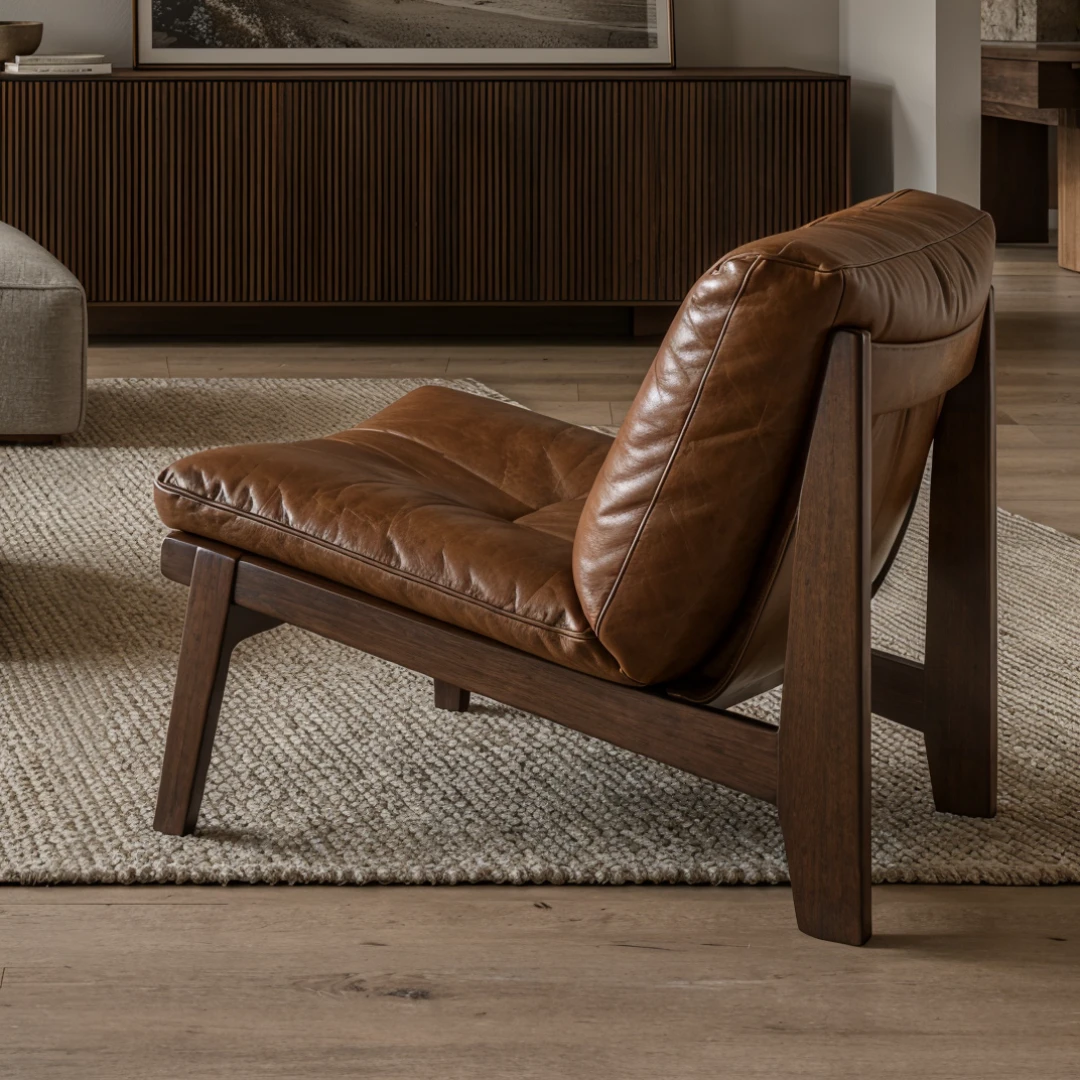
Architecture / Interiors / Visualization
Create.Edit.Present.
Your AI workspace for architectural images and video. From the first sketch to the final presentation.
Less switching. More creating.
VIZTOOLS AI
All your tools.One place to create.
Less switching. More creating.
Create with AI
Explore architectural directions from a sketch, reference or idea.
Refine every detail
Work with layers, local edits, materials and light.
Bring it into motion
Generate scenes and assemble a presentation of your project.
01 / SKETCH TO RENDER
See your idea take shape.
Turn a sketch or SketchUp view into a new architectural direction.
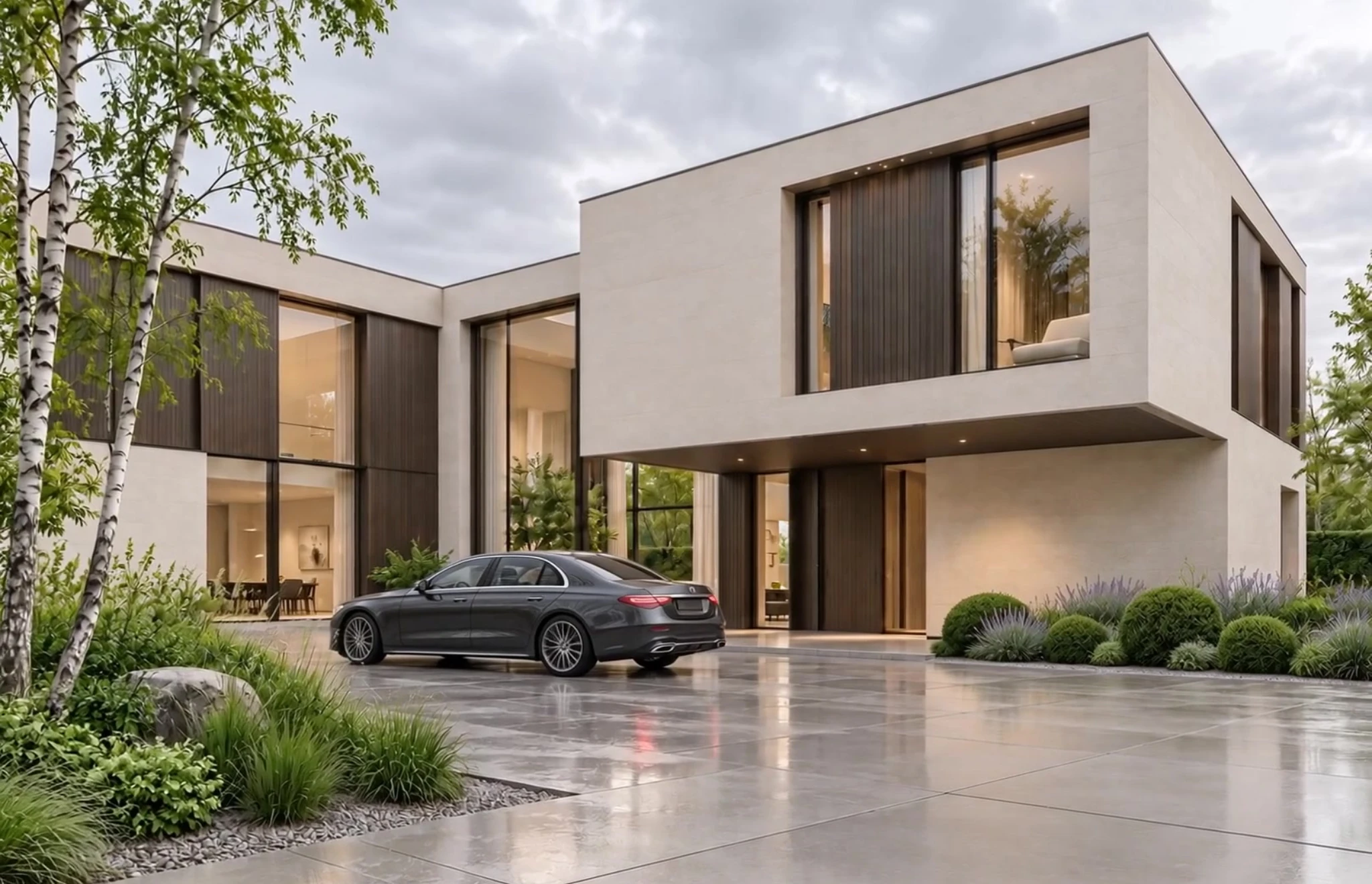
Generation ToolsAssistant
ExteriorInterior
Find a direction…
Selected · 0Recommended
PopularAllAnglesDetails
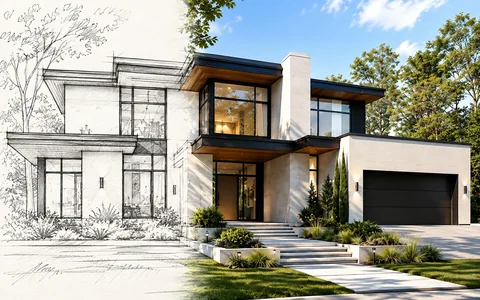 Sketch to render
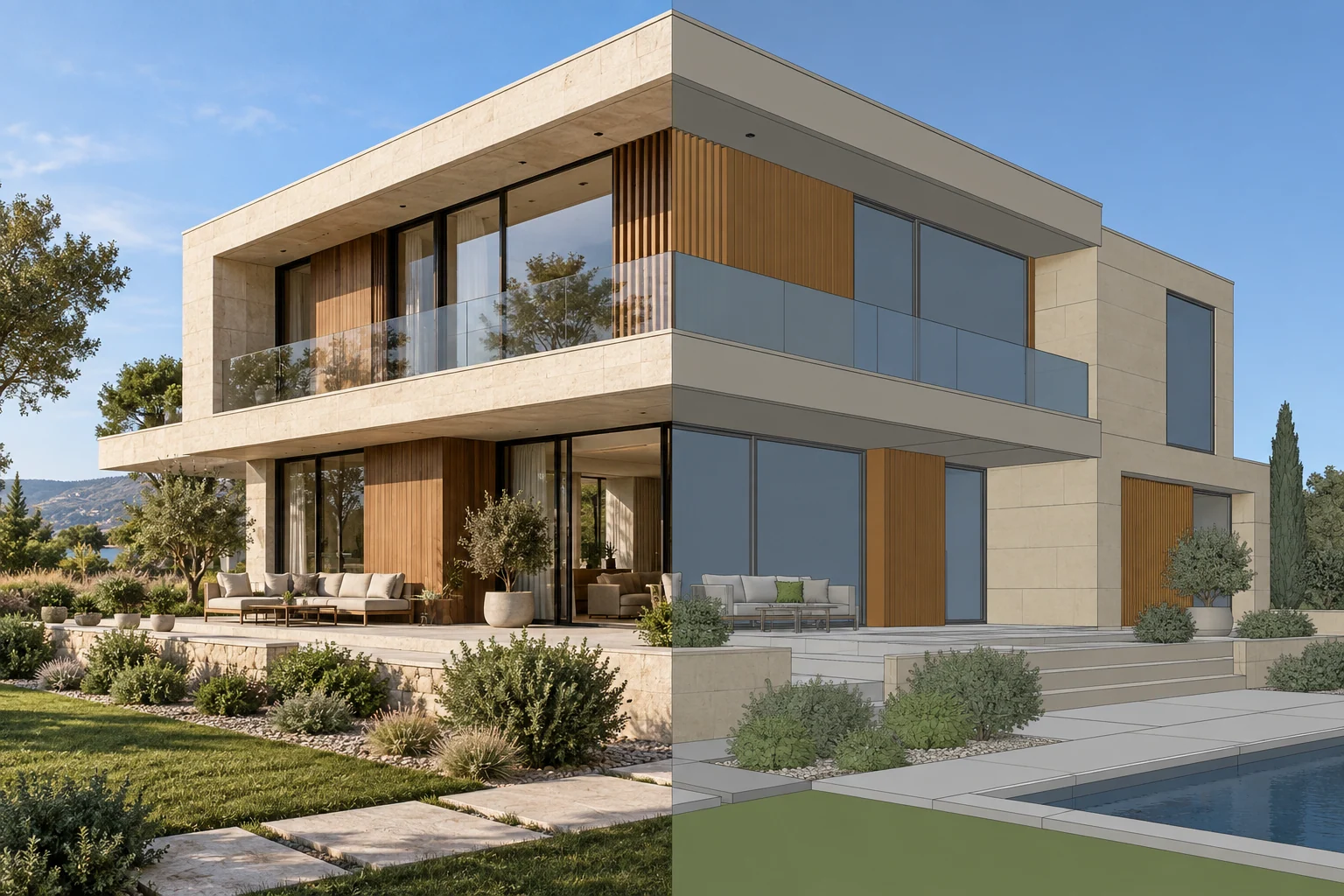 Render to draft
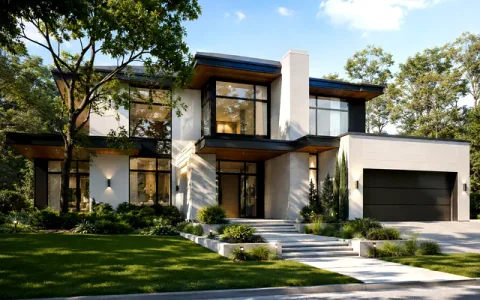 Enhance render
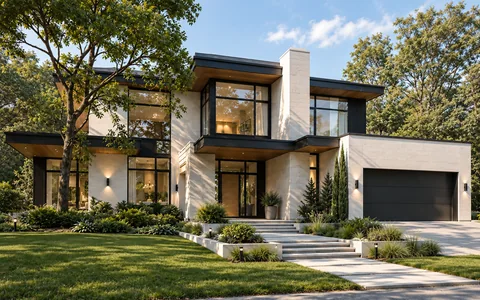 Architecture photo
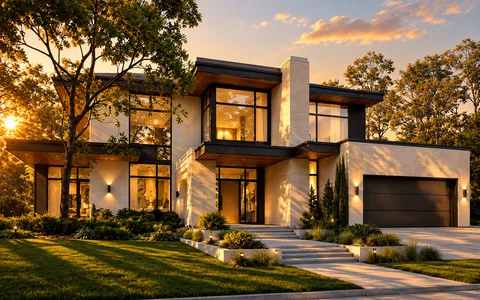 Golden hour
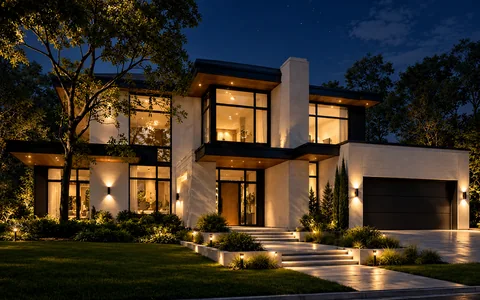 Night
Night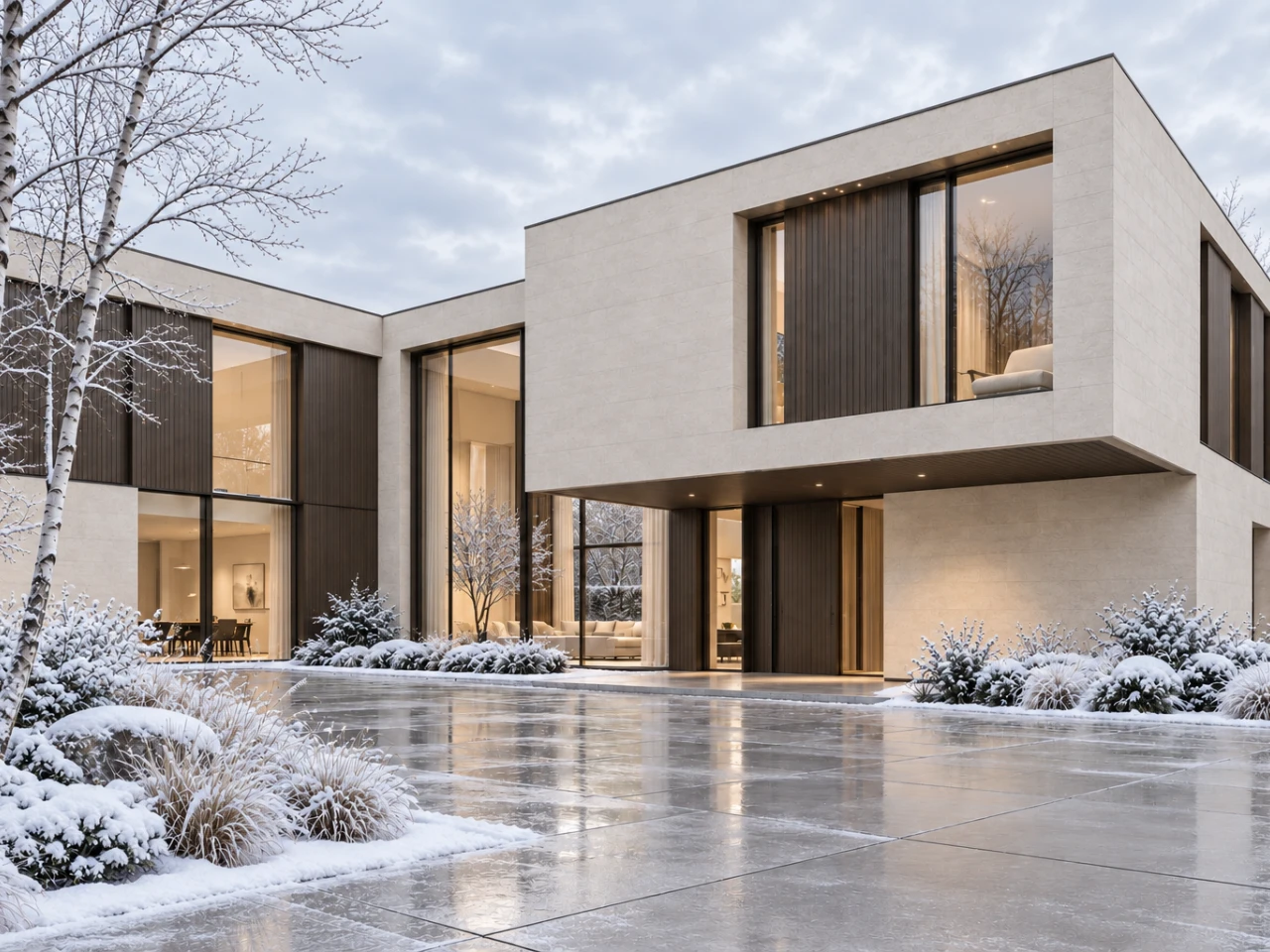
GENERATION TOOLS
A new direction.One tool away.
Explore materials, seasons, light and surroundings with visual presets.
Choose the model that fits your idea.
 Nano Banana ProGoogleNano Banana 2Google
 GPT Image 2OpenAI
 Seedream 5 ProByteDance
 Hailuo 2.3MiniMax
 Google Veo 3.1Google
Explore every model+
Images
Video
Kling 3 StandardKling 3 ProKling 3 Omni ProKling 3 Omni StandardKling 3 Motion Control ProKling 3 Motion Control StandardKling 3 TurboKling 4KHappy Horse 1.1Google Veo 3.1Google Veo 3.1 FastPixVerse V6 TransitionLTX 2.0 FastLTX 2.0 ProRunway Gen 4.5WAN 2.7Seedance 2 MiniSeedance 2 FastSeedance 2 ProHailuo 2.3Seedance 2.5 Pro
Enhancement & audio
02 / Image editor
Change the details.Keep developing the idea.
Select an area. Describe the change. Explore a new material, object or atmosphere.
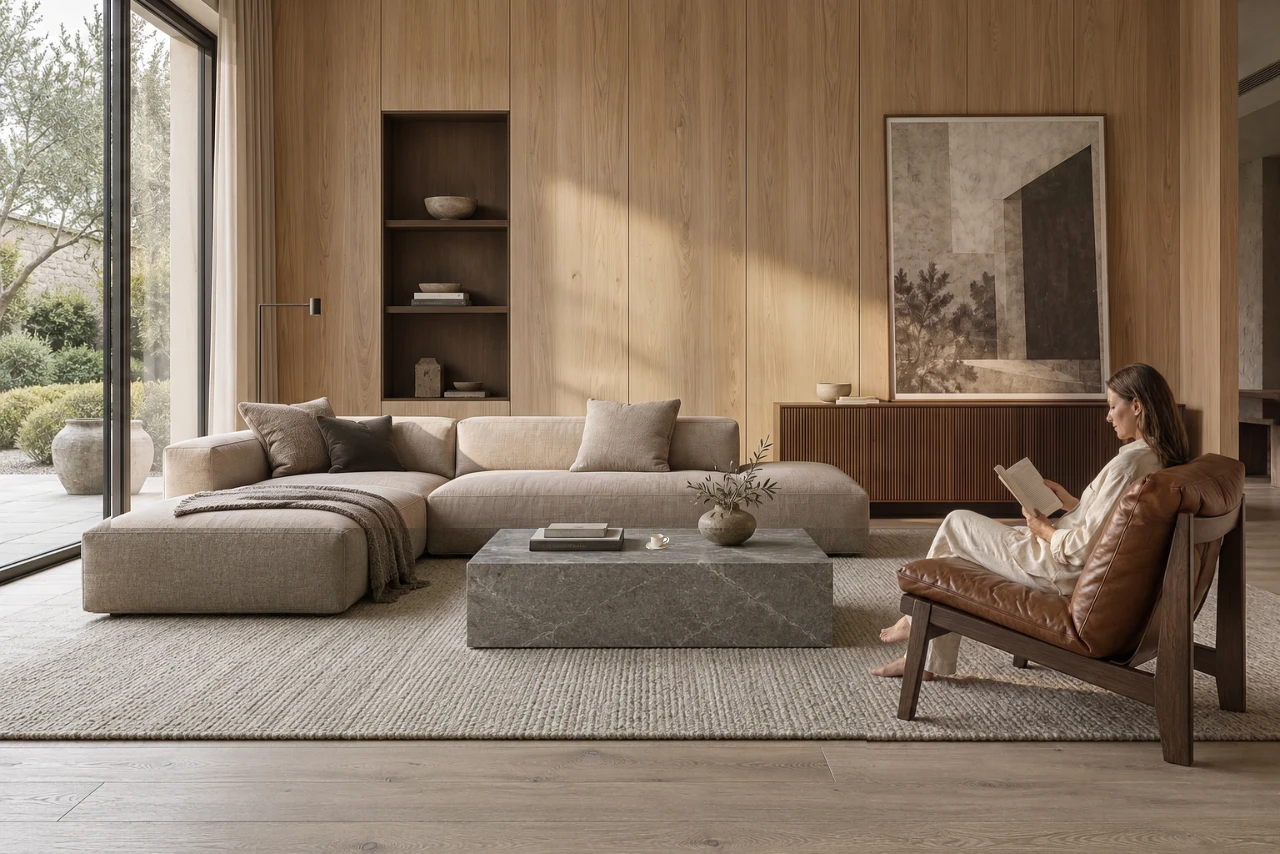
A new finish. The same starting point.
Explore materials across interiors and exteriors.
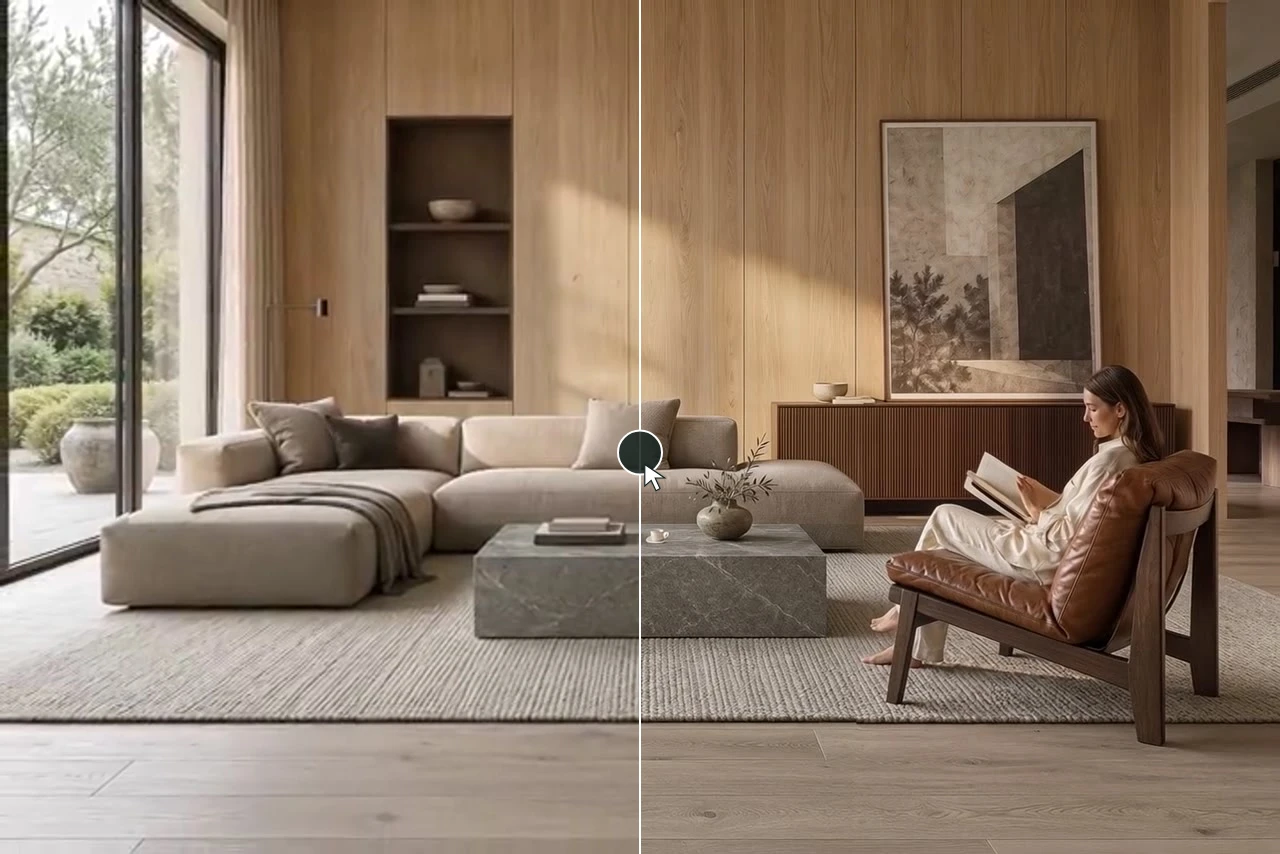
Give your scene a human touch.
Add a person in Edit, then animate the image.
Your files. Your layers. Your creative flow.
Media library
Bring your sources and results into the same workspace.
Layers & versions
Refine a composition and return to your project.
Generation history
Find the variations you want to explore again.
Included in Studio
Meet your AI Assistant.
One more way to create, right inside your workspace.
AI Assistant joins your media library, layers and generation history in Studio.
Open Studio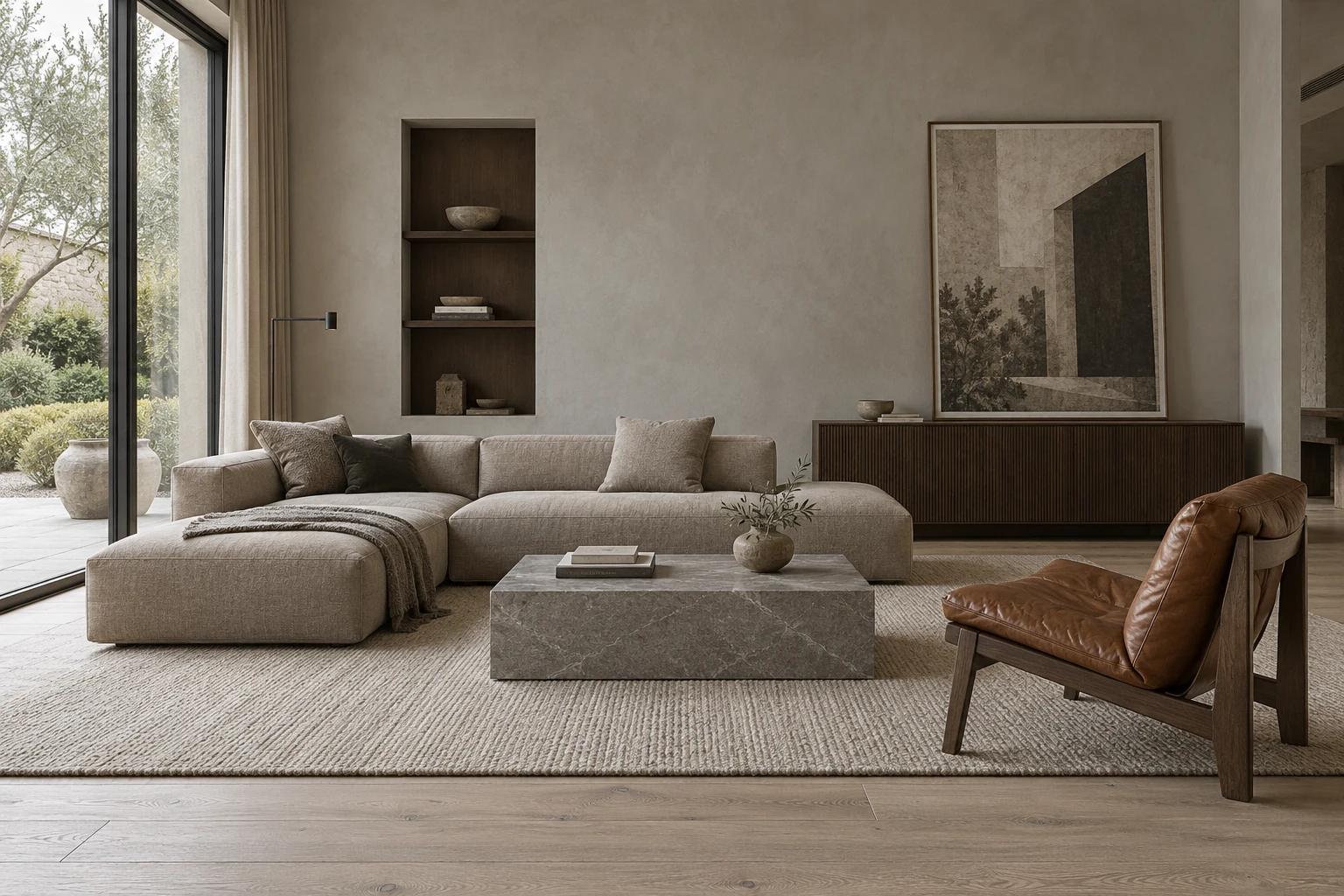 AI AssistantStudio
UPSCALE
Enhance images and video before your final presentation.
03 / SPACE MOTION
One image. A story worth watching.
Build architectural films, interior walkthroughs and short-form presentations from your images.
Made for presentations, Reels and TikTok.Open the editor
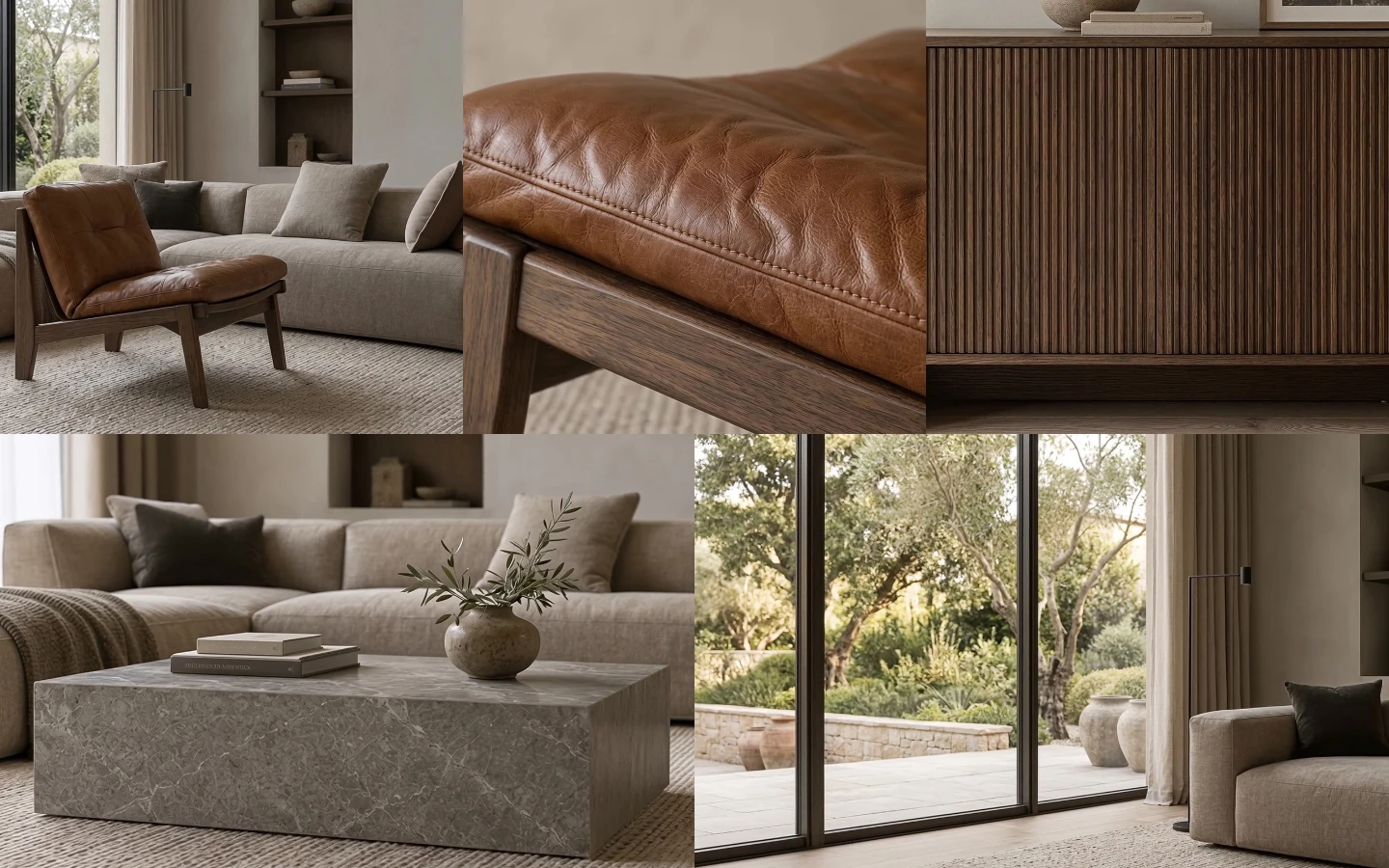
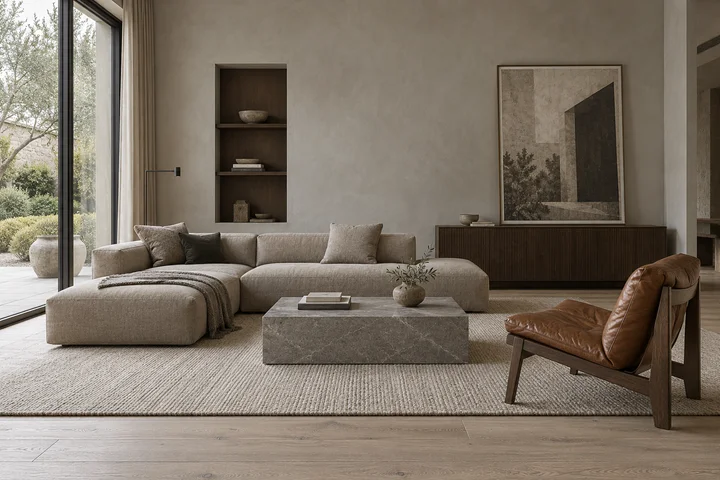
SPACE MOTION01 — 03
 01Wide shot02Material detail03Close-up
01Source
02Close-ups
03Camera movement
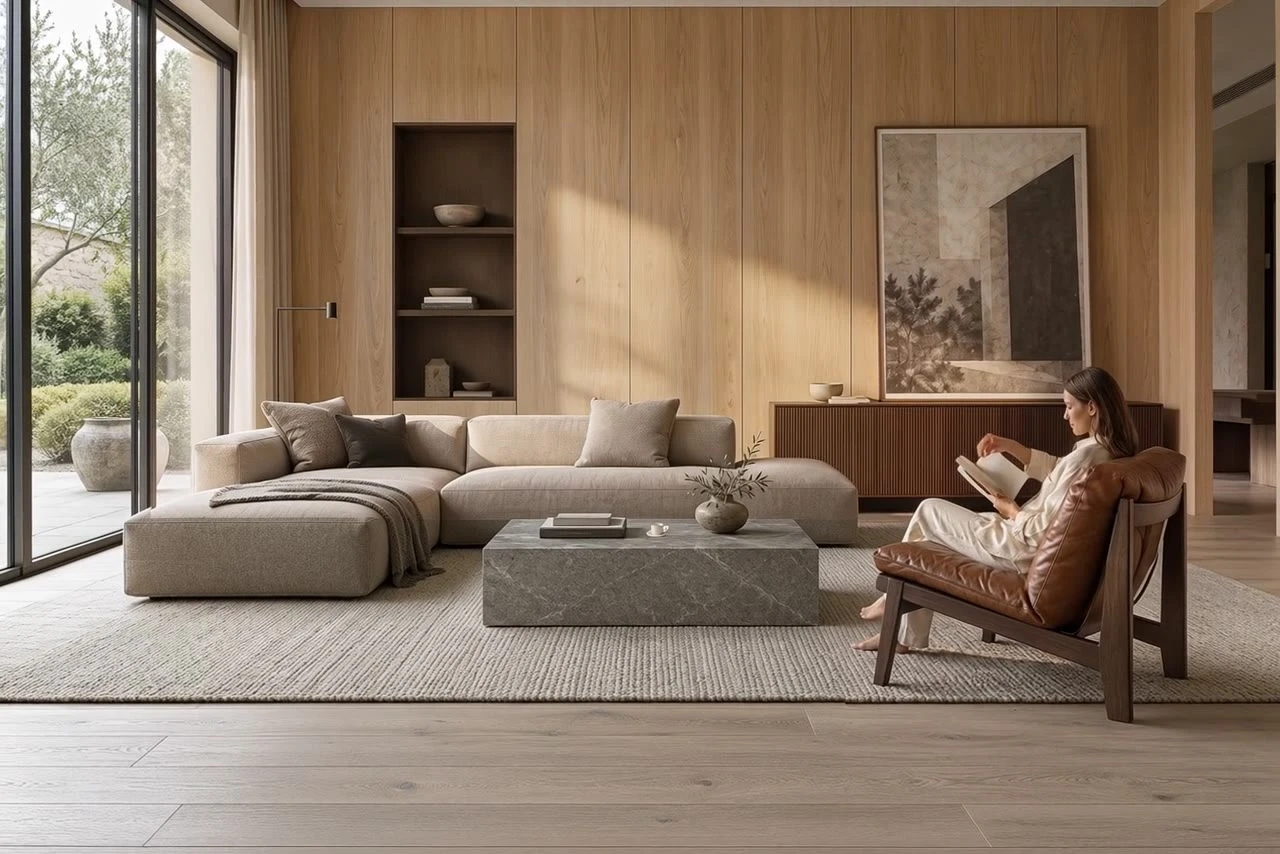
04Finished film
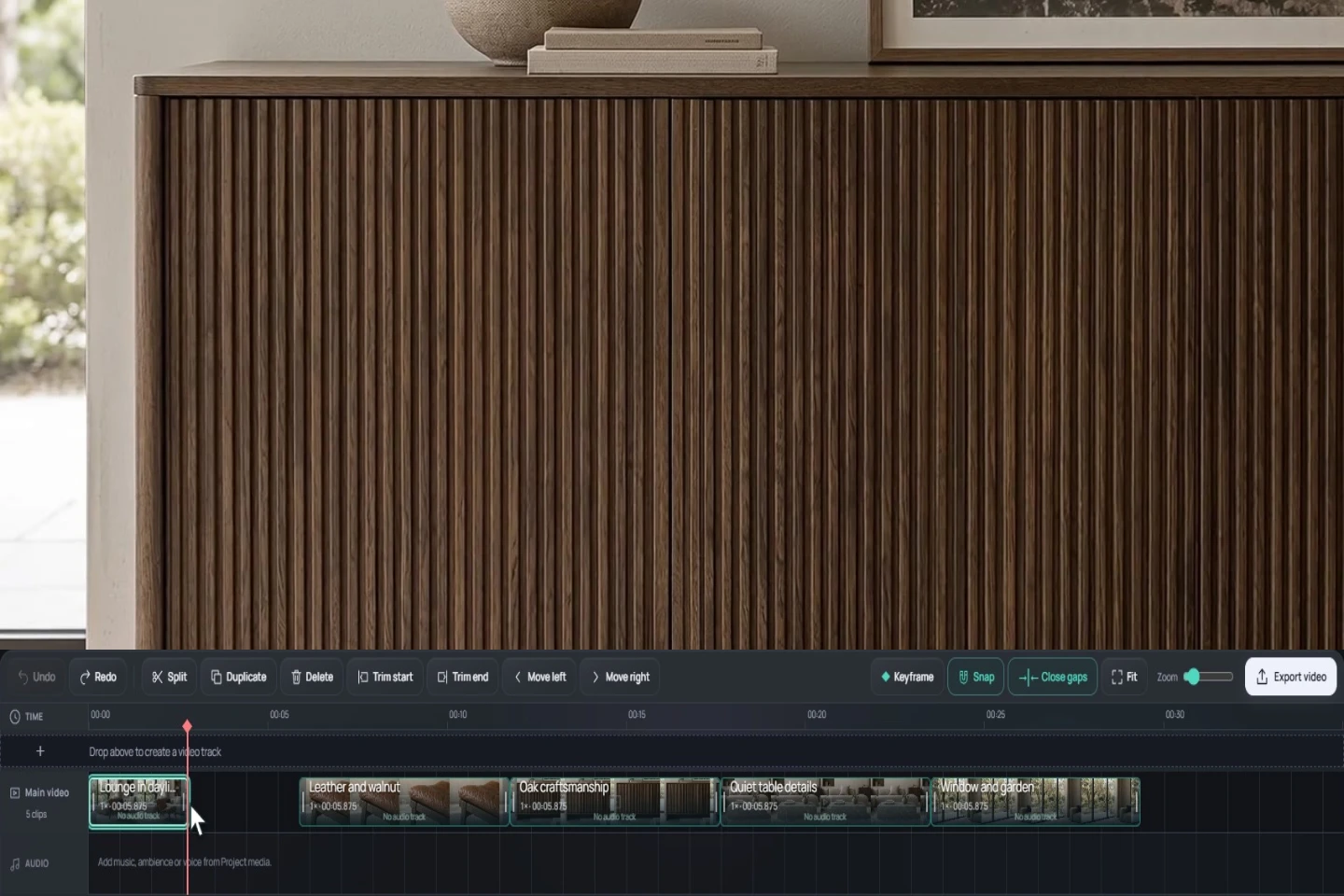
Video editor & montage
From generated clipsto a finished film.
Trim, arrange, add sound and export — in the same workspace.
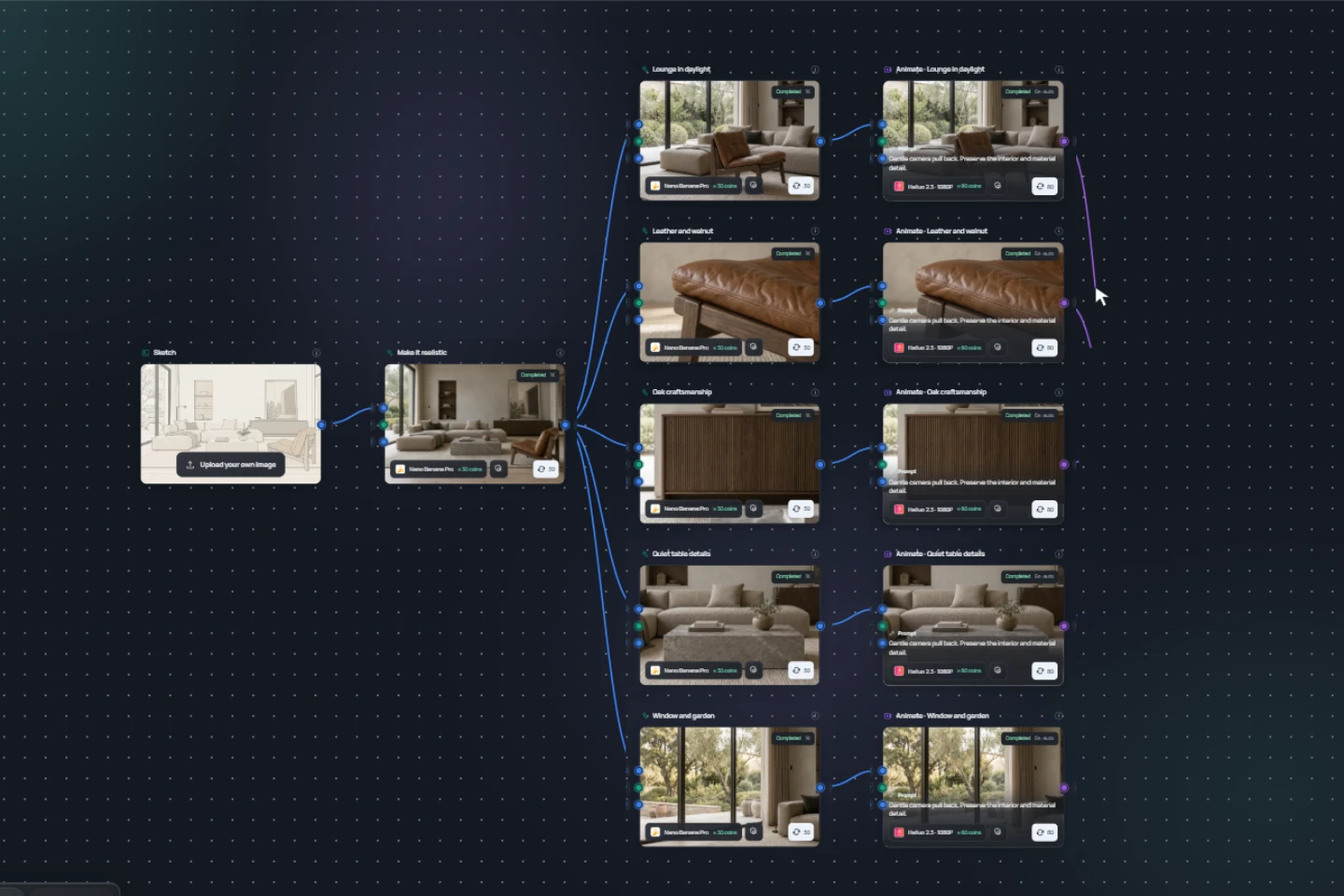
04 / WORKFLOW
Build your owncreative process.
Connect images, variations and video. Follow a clear path from a source to your next result.
VIZTOOLS AI · MCP
Your ideas. In your AI chat.
Plan an image or video in a conversation. VizToolsAI stores the files, calculates coins and returns the result. A closed test is being prepared.
Connection guidePreparing a closed test
01
Discuss the task
The chat asks only for missing details: source, format, duration or quantity.
02
Review the quote
The server fixes the model, parameters and coins before starting. Your balance is not permission to spend it all.
03
Receive the result
Images or videos return to a compatible chat, with the original available separately.
Meet VizToolsAI
See what you can create
Follow the process from architectural images and local edits to a video presentation of your project.
Audio language: Settings → Audio track in the video player.
01Images and materials02Video and sound03One connected workflow
Pricing
Choose your creative space.
One coin balance for your tools. Review the cost before you generate.
What your coins can create
Free
Try your first idea.
$0
150signup coins
After email verification
- Image editorNo per-edit fees
- 500 MB storage
Mini
For everyday image and video creation.
$12/ month
2,400coins / period
Up to80 images
Choose Mini- Image editorNo per-edit fees
- Video editorNo per-edit fees
- Image, video & audio generation
- Images up to 4K
- Image & video upscale
- Space MotionAvailable with Pro
- Workflow & scenarios
- 5 GB storage
- No unused-coin rollover
Pro
From a first sketch to a complete presentation.
$35/ month
8,400coins / period
Up to280 images
Keep 30% of unused coins
Choose Pro- Image editorNo per-edit fees
- Video editorNo per-edit fees
- Image, video & audio generation
- Images up to 4K
- Image & video upscale
- Space Motion
- Workflow & scenarios
- 15 GB storage
Studio
AI Assistant
More room for larger projects.
$69/ month
18,000coins / period
Up to600 images
Keep 60% of unused coins
Choose Studio- Image editorNo per-edit fees
- Video editorNo per-edit fees
- Image, video & audio generation
- Images up to 4K
- Image & video upscale
- Space Motion
- Workflow & scenarios
- 50 GB storage
Illustrative alternatives from one balance: Nano Banana 1K/2K at 30 coins per image; Kling 3 Pro, 1080p, 5 seconds without audio at 150 coins per clip. Mix splits the balance equally. Actual cost depends on the model and settings; your final quote appears before generation.
AI generation uses coins. Editing tools have no per-edit charge; storage limits still apply.
USD. Paid plans renew monthly until canceled. Taxes and the final charge are shown at checkout.
Compare all plan detailsFAQ
A clear place to start.
What can I create?
Create and edit architectural images, explore variations, generate video and assemble presentations.
How do coins work?
Tools use a shared coin balance. The quote depends on the model and settings and is shown before submission.
Can I use my own images?
Yes. Start from an uploaded photo, render or sketch, or choose a source from your media library.
About VizToolsAI
Built around a real creative workflow.
Created by Ilya Fedushin for architectural images, video and visual storytelling.
AboutVizToolsAI guides
From an idea to a clear next step.
Practical guides to architecture images, creative workflows and video.
Guides in English
01
For architects
From a design idea to a visual direction.
02Sketch to render
Prepare your source, lighting and materials.
03Local edits
Details that build on your idea.
04Architecture video
Framing, movement and expressive editing.
05Workflow
Connected steps and deliberate generation.
06For visualizers
An additional tool in your existing workflow.