01 / Examples and interface
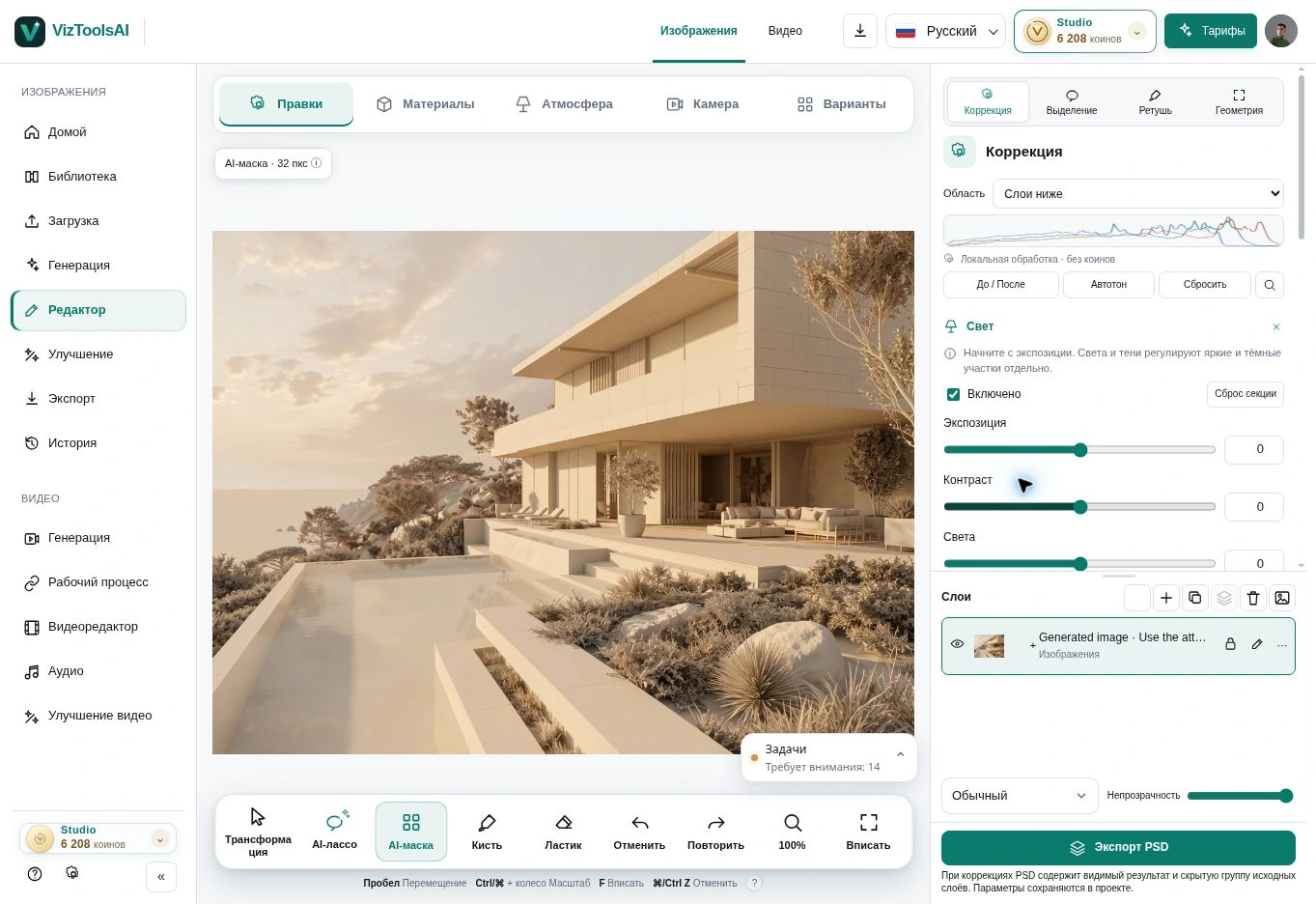
01 / Local image editing
The task: explore another material or detail while retaining a useful starting frame. Open the image, select an area, describe one change and compare the result with the source.
What to assess: edit boundaries, consistent shadows and the retention of important architectural features. Open the image editor guide for a detailed workflow.
02 / Examples and interface
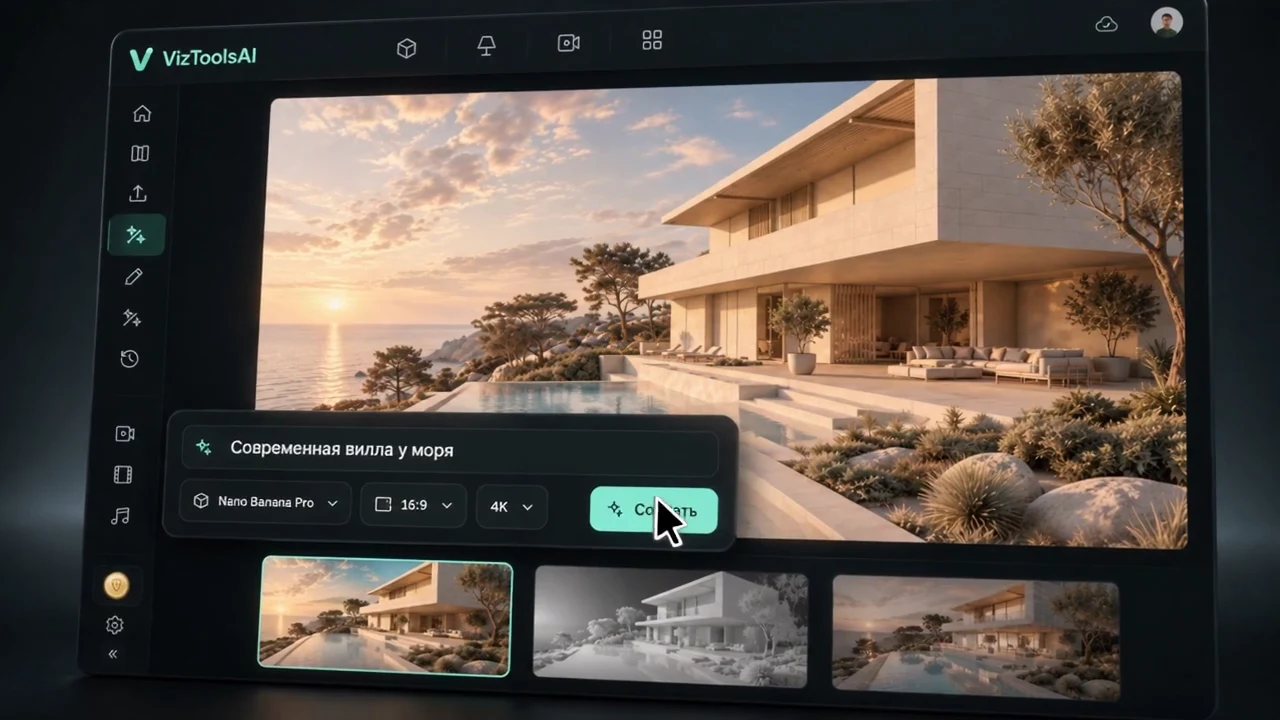
02 / Generation from an idea and a source
The task: find a presentation direction from a description, sketch or reference. Begin with a clear viewpoint and a concise prompt, then explore variations one at a time.
What to assess: connection to the original idea, perspective, material legibility and accidentally added details. Promotional frames do not promise identical outcomes across models and sources.
03 / Examples and interface
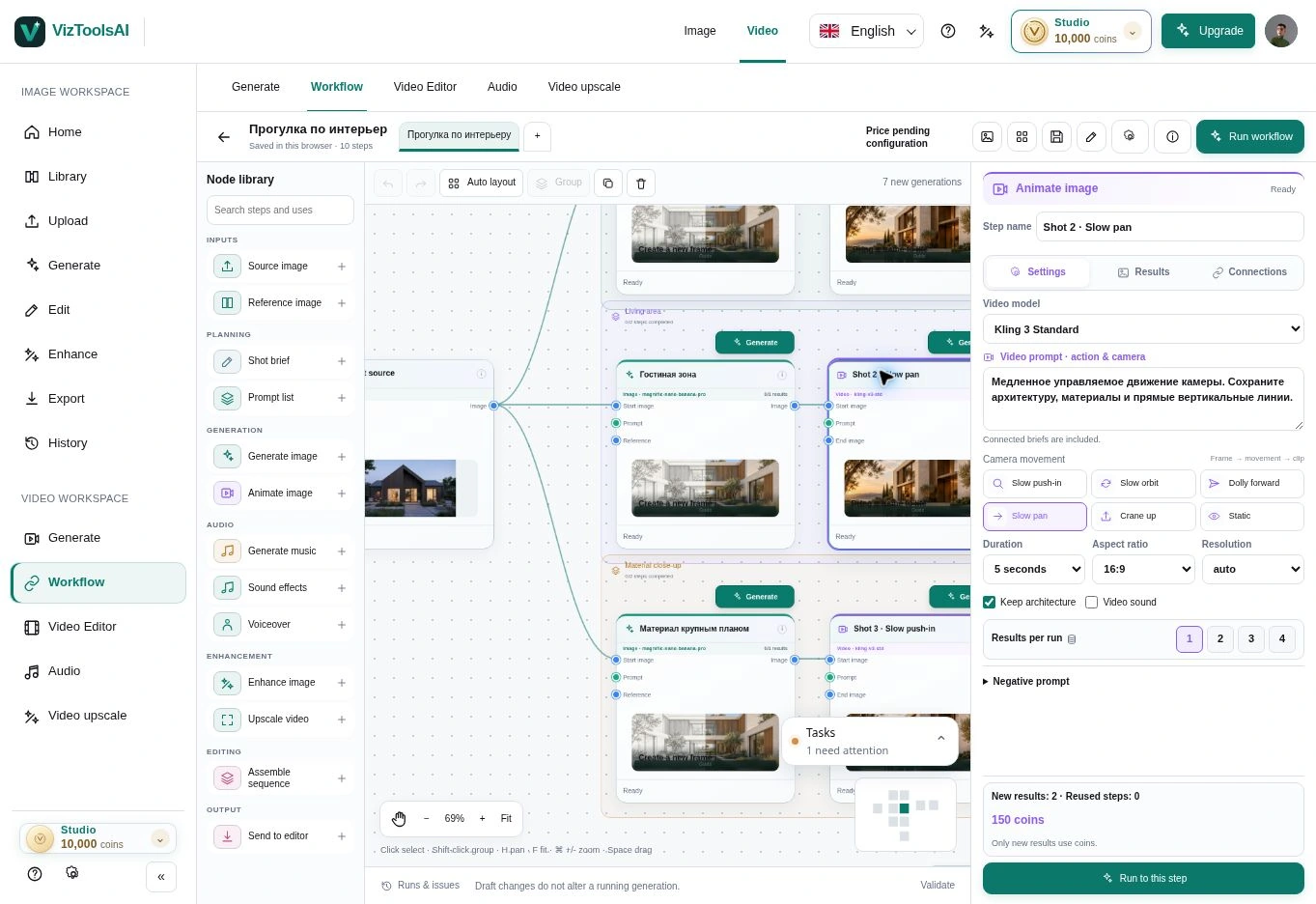
03 / A connected workflow
The task: bring images and subsequent stages onto one workspace. Use separate branches to compare materials or atmosphere, then pass the selected variation forward.
What to assess: correct input images, which tasks will run and their cost. Do not run the entire diagram if you only need one next step.
04 / Examples and interface
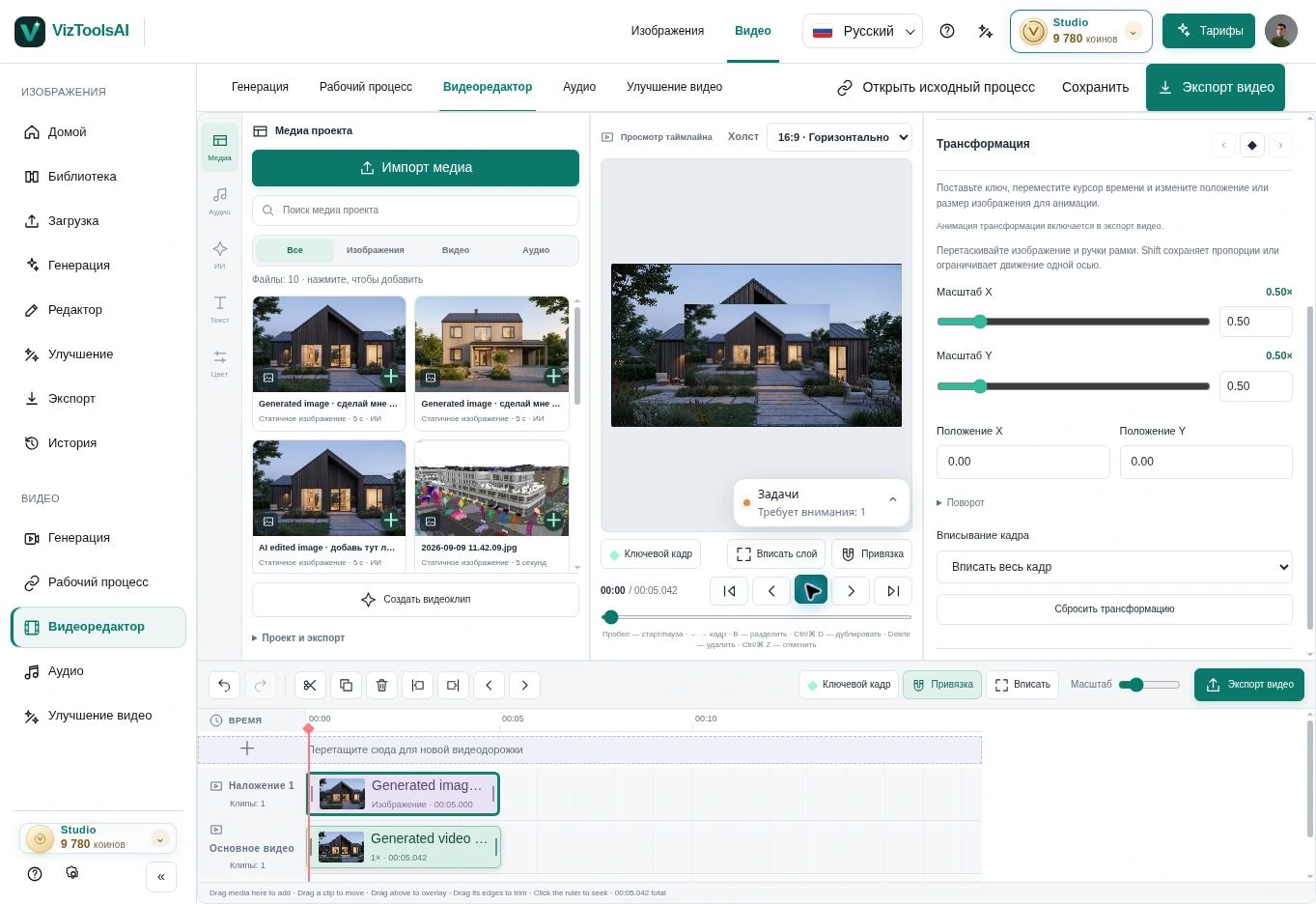
04 / Architecture video
The task: turn selected frames into short scenes and assemble them on the timeline. Check each scene first, then choose a rhythm and add sound.
What to assess: building stability over time, camera movement, transitions, duration and final export. An illustrative film does not replace an accurate fly-through from a 3D model.
05 / Examples and interface
The actual Space Motion interface
The Space Motion guide includes a screenshot of the workspace in its initial state. It shows where the tools are before a source is added. This is an interface image, not evidence of generation quality, a finished film or a customer result.
The guide follows the working sequence: source image, shot descriptions, selected images, camera direction, clips and montage export. Assess each generated image and clip individually; the presence of a tool does not establish the quality of a particular output.