
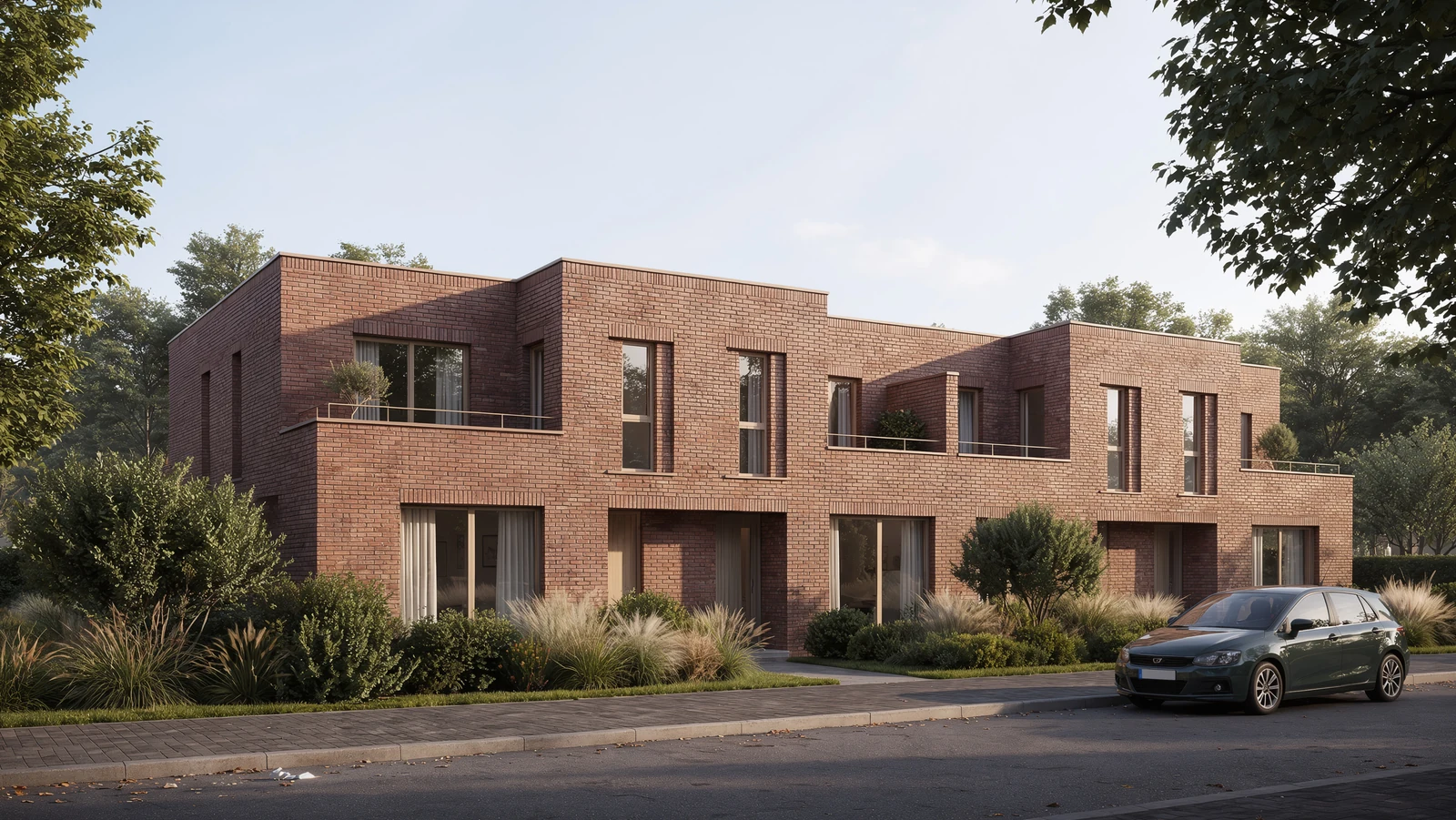
 Courtyard HouseConcept design · Private team
WORKSPACE FOR ARCHITECTURAL TEAMS
Your team.
Your project.
One shared space.
Collect ideas, discuss decisions and create together.
Work Preview · access is being rolled out
Work Preview
Exterior reference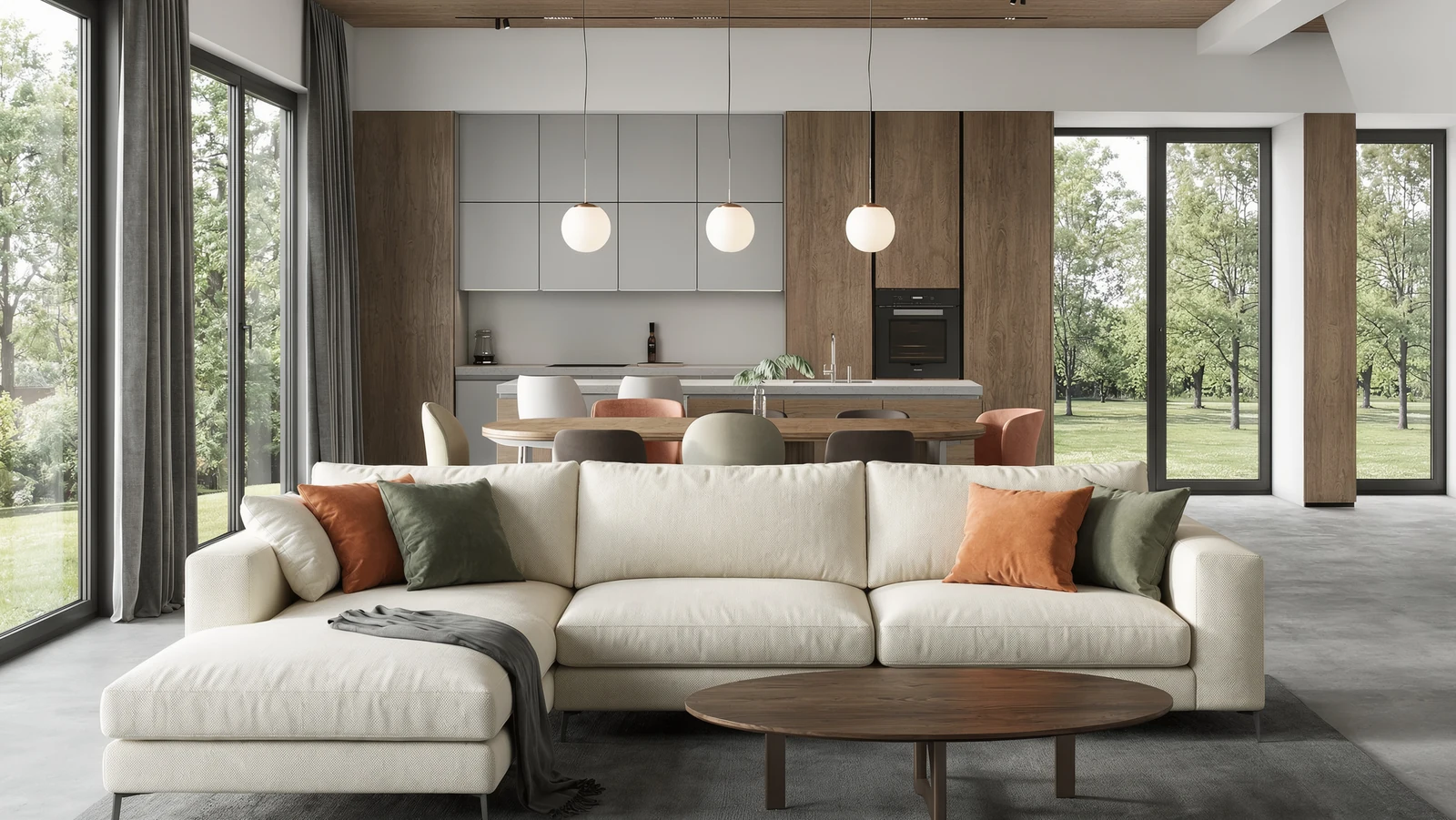 Interior direction
Material directionWarm oak. Soft daylight. Keep the brick facade.
References, connections and notes in contextIllustrative sequencePlace a reference
All projects
Courtyard HouseConcept design · Private teamCreate projectCourtyard HouseA calm brick home around a planted courtyard.
Illustrative sequenceCreate a project
PDFCourtyard HouseProject brief · Sample
VIZTOOLS / PROJECT BRIEF 01 / 02
Courtyard House
A private home with a calm material palette and a sheltered courtyard.
Design direction
Brick exterior · oak interior · soft daylight
Review checklist
✓ Material palette
✓ Daylight study
□ Final presentation
Illustrative sequenceChoose the project brief
Product demonstrations use English. Page language stays yours.
Less waiting
Waiting for a review
20 min→5 min
75% less waiting in this example
Illustrative scenario — not a measured customer result.Faster decisions
✓Bring alternatives into one view. Keep the decision beside the material.
Review in context
ReferenceReview
A review belongs to its image, document or task — not another disconnected thread.
All projects
Courtyard HouseConcept design · Private teamCreate projectCourtyard HouseA calm brick home around a planted courtyard.
Illustrative sequenceCreate a project
Exterior referenceInterior directionMaterial directionWarm oak. Soft daylight. Keep the brick facade.
References, connections and notes in contextIllustrative sequencePlace a reference
Review material palette
Courtyard House
A AnnaDue tomorrowNew taskReview material paletteA Anna
In progress · AnnaIllustrative sequenceAdd a task
Presentation references · 3 selected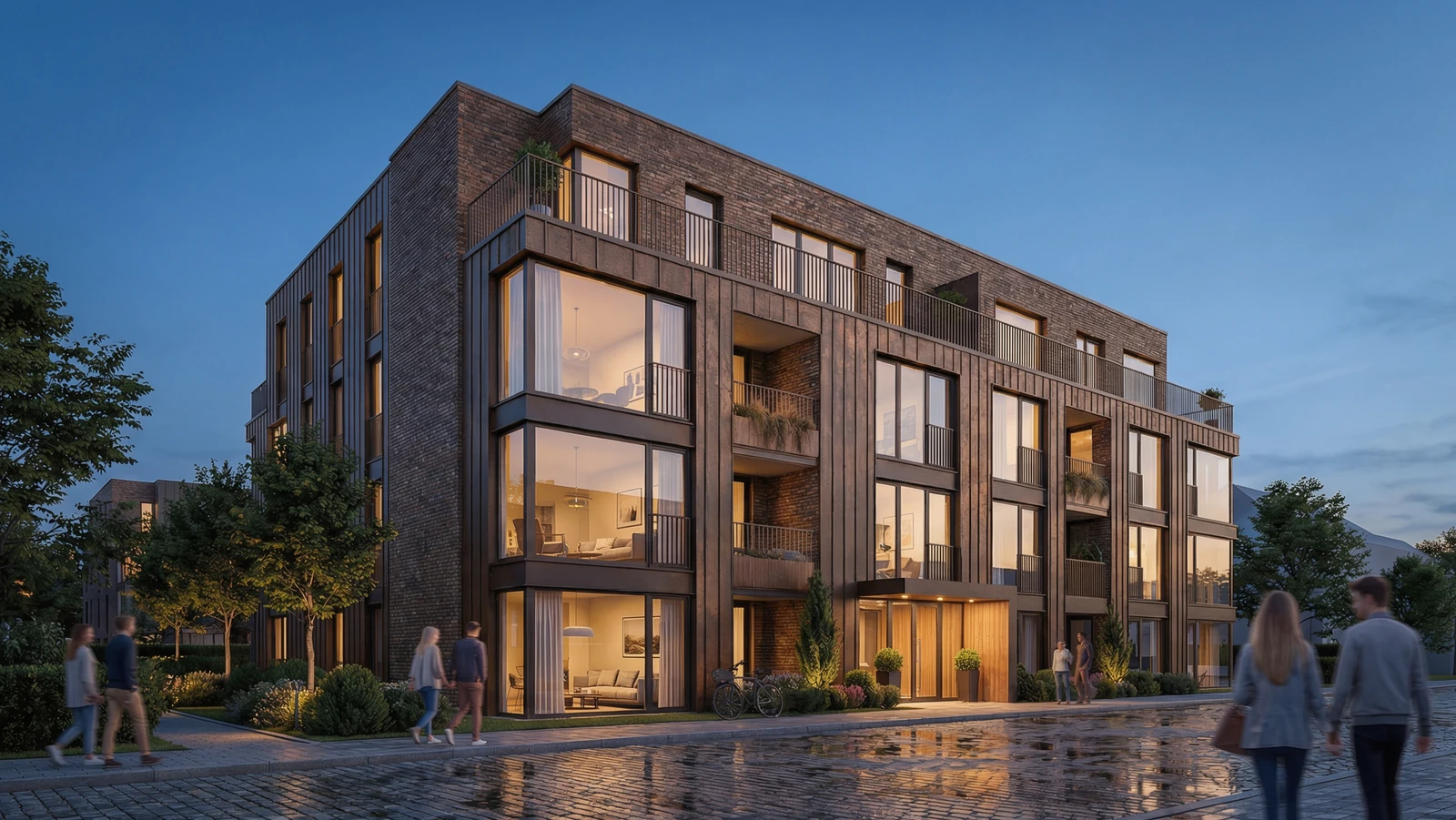
Group in frame✧ Sparks
✧ SparksContext: Presentation referencesPlan a short presentation from these selected references.Review a plan before generation ↗
Scoped context · review before paid actionsIllustrative sequenceSelect approved material
01 / 04
Project started
Bring the brief, rooms and tasks together.
Scroll through the project
AI ASSISTANT
In the context
of your project.
Ask about tools, plans or where to begin. This text-only guide explains the product; it does not change projects or run generations.
Presentation references · 3 selected
Group in frame✧ Sparks
✧ SparksContext: Presentation referencesPlan a short presentation from these selected references.Review a plan before generation ↗
Scoped context · review before paid actionsIllustrative sequenceSelect the references
The full editor Assistant is included with Pro at $35 and all higher plans.
AI AssistantWebsite guide
A useful next step. In a few words.
Five messages shared across Edit and Workspace. History is saved in this browser.
You have used your five demo messages. Your conversation stays here.
Try VizTools AIEverything that keeps
your team connected.
Material directionProject discussion · illustrative
AnnaKeep the warm oak and soft daylight.
DanielShould the sofa stay neutral for the review?
AnnaYes. Add the linen option beside the reference.
Add the linen option beside this reference.
Illustrative sequenceSelect the project context
Conversations in context
PDFCourtyard HouseProject brief · Sample
VIZTOOLS / PROJECT BRIEF 01 / 02
Courtyard House
A private home with a calm material palette and a sheltered courtyard.
Design direction
Brick exterior · oak interior · soft daylight
Review checklist
✓ Material palette
✓ Daylight study
□ Final presentation
Illustrative sequenceChoose the project brief
Documents in context
Review material palette
Courtyard House
A AnnaDue tomorrowNew taskReview material paletteA Anna
In progress · AnnaIllustrative sequenceAdd a task
Tasks & review
Workspace through your team’s eyes.
Example team · fictional profiles and illustrative scenarios
Anna Morozova
Operations Manager
Tasks, files and discussions in one place. See what needs attention.
David Martin
Lead Architect
Keep the project’s direction clear with the brief, options and comments.
Elena Weber
BIM Coordinator
Keep documents and tasks connected to the project under discussion.
Alex Orlov
Project Manager
Open a project and see which decisions need a review.
Sofia Costa
Interior Designer
Compare materials and color options on one board.
Marcus Reed
Architectural Visualizer
Show the team different views and keep feedback next to the image.
Maria Volkova
Art Director
References next to the edits. Make the intended result clear.
Daniel Kim
3D Artist
Move from a source image to the next variation without losing context.
Clara Laurent
Studio Director
See the team’s progress and where help is needed.
One project. The complete picture.
A short visual walkthrough of projects, boards, tasks and Sparks. The sequence is a product illustration, not a live team session.
All projects
Courtyard HouseConcept design · Private teamCreate projectCourtyard HouseA calm brick home around a planted courtyard.
Illustrative sequenceCreate a project
Exterior referenceInterior directionMaterial directionWarm oak. Soft daylight. Keep the brick facade.
References, connections and notes in contextIllustrative sequencePlace a reference
Review material palette
Courtyard House
A AnnaDue tomorrowNew taskReview material paletteA Anna
In progress · AnnaIllustrative sequenceAdd a task
PDFCourtyard HouseProject brief · Sample
VIZTOOLS / PROJECT BRIEF 01 / 02
Courtyard House
A private home with a calm material palette and a sheltered courtyard.
Design direction
Brick exterior · oak interior · soft daylight
Review checklist
✓ Material palette
✓ Daylight study
□ Final presentation
Illustrative sequenceChoose the project brief
Presentation references · 3 selected
Group in frame✧ Sparks
✧ SparksContext: Presentation referencesPlan a short presentation from these selected references.Review a plan before generation ↗
Scoped context · review before paid actionsIllustrative sequenceSelect the references
Illustrative sequence
OUR TEAM
The people behind VizTools AI.
The team behind the product. Real people, clear roles.
RGOriginal portrait requested
Roman Gurbich
Marketing & Sales Manager

Ilya Fedyushin
CEO & Technical Director
FAQ
Why VizTools AI?
How is Work different from Edit?
Edit provides image, video and 3D tools. Work connects the creative process with projects, boards, tasks and team discussions.
Can a small team get started?
Yes. Tell us about your team and workflow in the form. Early access is rolled out gradually as features become available.
BUILD YOUR TEAM
Bring your team
into Workspace.
We’re building a shared space for architectural teams. Tell us about your studio and join the early-access list.